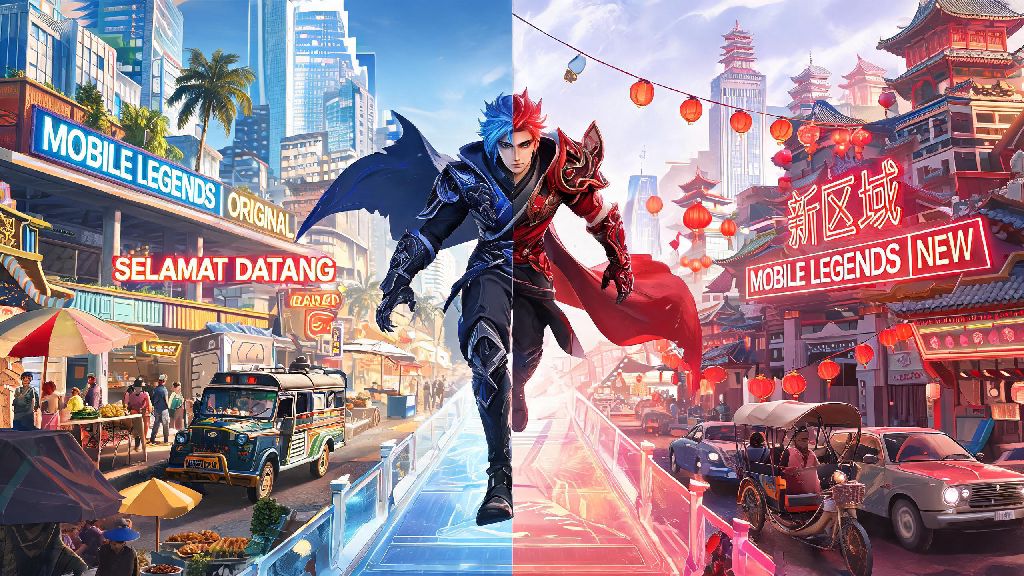
If you’ve ever tried to queue for a match with a friend who lives in another country, dealt with constant 200+ ping after moving, or missed out on limited-edition skins only released for specific regions, you’ve probably wondered how to make the switch work for your account. This guide breaks down every official step you need to follow, no sketchy third-party tools required, plus all the fine print you need to know before you make the change. You’ll learn exactly how to change region in Mobile Legends without risking the account progress you’ve spent months or years building.
How to Change Region in Mobile Legends: Official Step-by-Step Method
The only safe way to switch your region is through Moonton’s built-in account tool, which takes less than 2 minutes to complete if you meet the basic eligibility requirements. First, make sure your account is linked to at least one third-party platform (Facebook, Google Play, Game Center, or Moonton account) so you don’t lose access if you log out accidentally. You also can’t have any active rank penalties or ongoing account reports against you when you submit the change request.
Follow these steps in order to complete the process: first, open Mobile Legends and log into your main account. Tap your profile icon in the top left corner of the main lobby, then select the “Account” tab from the sidebar menu. Look for the “Server Info” or “Change Region” option, depending on your app version, and tap it to see the list of available regions you can switch to. Select the region you want to move to, confirm your choice, and restart the app when prompted.
You can only switch regions once every 90 days via the official method, so make sure you’re picking the right region before you confirm your choice. You won’t be able to submit another change request until that cooldown period passes, even if you picked the wrong region by accident. You won't lose any purchased skins, rank progress, or in-game currency when you switch regions through official channels, so you don’t have to worry about starting over from scratch.
Key Reasons Players Switch Regions in MLBB
Most players don’t switch regions on a whim, and there are a handful of common scenarios where making the change will drastically improve your gameplay experience. For example, if you moved from Indonesia to the US for work or school, you’ll almost always get 100+ ping playing on your old SEA server, which makes it almost impossible to land skill shots or rank up. Switching to a local North American server will cut that ping down to 20-40ms for most players.
Other players switch to access exclusive content that never gets a global release. Region-exclusive collab skins often don't get global releases for 6+ months, if they get a global release at all, so switching to the region where the collab is launching is the only way to get the skin before it sells out. Some players also switch to less crowded regions to get shorter queue times for high-rank matches, where wait times can stretch to 10+ minutes in more saturated regions like the Philippines or Indonesia.
The most common reasons players make the switch include:
Just make sure the benefit of making the switch is worth the 90-day cooldown before you submit your request. If you’re only switching to get one limited skin, you’ll be stuck in that region for three months even if the ping is worse for your regular gameplay. So weigh the pros and cons carefully before you confirm your choice.
Risks of Using Unofficial Region Change Methods
You might have seen tutorials online that claim you can switch regions whenever you want using a free VPN or third-party account tool, but these methods carry huge risks that aren’t worth it for most players. Moonton’s anti-cheat system is designed to detect VPN use that’s meant to bypass region restrictions, and they don’t issue warnings for this type of violation first.
Moonton actively detects unapproved VPN use for forced region changes, and can issue permanent account bans with no prior warning. Even if you use a paid VPN that claims to be undetectable, there’s still a 30-40% chance you’ll get flagged, especially if you switch between regions multiple times in a short window. Third-party account tools that claim to change your region also often require you to enter your account login credentials, which puts you at huge risk of having your account stolen or sold to another player.
Even if you don’t get banned or hacked, unofficial region changes often lead to worse gameplay experiences. You’ll likely get higher ping than you would with an official region switch, since VPNs route your connection through extra servers. Unofficial methods also void any eligibility for customer support if you run into account issues, so if you lose your progress or get locked out, Moonton won’t help you get your account back. It’s just not worth risking hundreds of dollars worth of skins and months of rank progress for a temporary region switch.
What to Do After You Change Your MLBB Region
Once you confirm your region switch and restart the app, there are a few quick checks you should do to make sure everything is working correctly before you jump into your usual matches. First, check your ping in the top right corner of the main lobby to make sure it’s lower than it was on your old region. If it’s still higher than 100ms, you might have picked the wrong regional server, or your internet connection is having temporary issues.
Run 1-2 classic or brawl matches first to confirm your ping is stable before jumping into ranked play. Ping can fluctuate a lot in the first 24 hours after a region switch as the system updates your account data, so you don’t want to risk losing rank stars because of unexpected lag. Next, head to the events tab to browse any exclusive rewards available in your new region, and update your payment settings if you plan to buy diamonds, to avoid extra currency conversion fees.
You don’t have to rebuild your friends list after a region switch, either. You can still chat and add friends from your old region, even after you complete your region switch. You just won’t be able to queue for matches with them unless they also switch to your new region, or you use the built-in cross-region queue feature that lets you play with up to 100ms extra ping. Your rank will stay exactly the same, but your position on local leaderboards will reset, so you have a fresh chance to climb the ranks in your new region.
Changing your region doesn’t have to be a complicated or risky process, as long as you stick to the official in-game tool. If you follow the steps we laid out, you can switch regions in less than two minutes, with zero risk of losing your account progress or getting banned. Just remember the 90-day cooldown before you make your choice, and only use unofficial methods if you’re okay with potentially losing your entire account. At the end of the day, knowing how to change region in Mobile Legends opens up a ton of new gameplay opportunities, from playing with old friends to getting access to skins you’d never be able to get otherwise. I switched regions last year when I moved from the Philippines to Canada, and the whole process was completely painless, and my ping dropped from 180ms to 30ms overnight, so it’s well worth the small effort if you have a good reason to make the change.