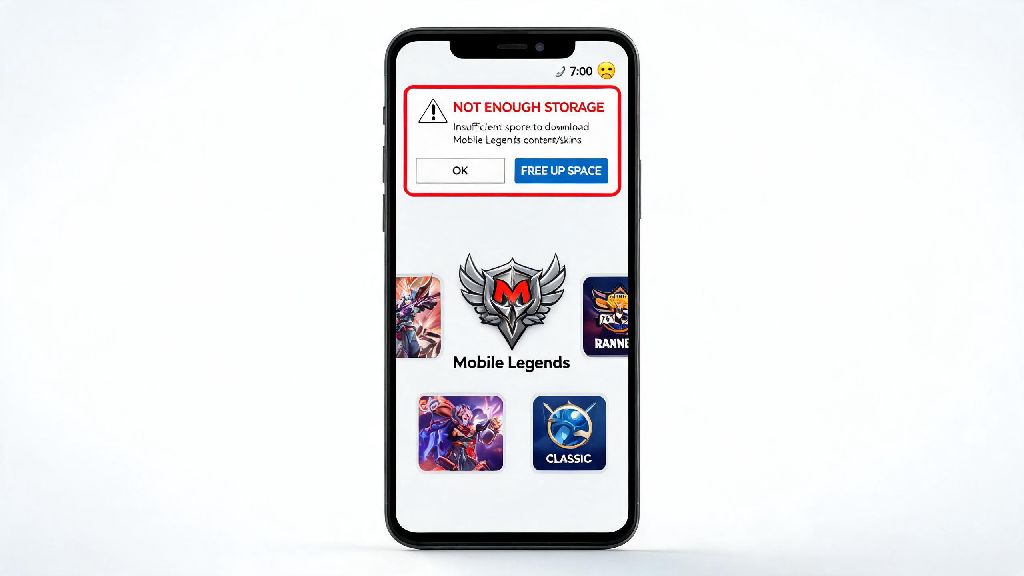
There’s nothing more frustrating than opening Mobile Legends right before a planned mythic rank push, only to get a pop-up saying you don’t have enough storage to install the latest 2026 update. As someone who’s been playing MLBB for 7 years and dealt with this exact issue more times than I can count, I put together this full breakdown to answer exactly how many gb is mobile legends across every platform, plus easy fixes to free up space without losing your skins or account progress.
How Many GB is Mobile Legends in 2026? Breakdown by Platform
The total size of Mobile Legends varies a lot depending on what device you use, and whether you install optional add-ons like high-res skins or extra game modes. Initial download size does not include post-install resource packs that you’ll be prompted to download when you first open the app, so don’t be fooled by the small number listed on the App Store or Google Play Store. For Android devices, the initial download is 1.2GB, but after you install core resource packs, hero assets, and the 2026 floating island map update, the total size sits between 3.8 and 4.5GB for most players. For iOS, initial download is 1.4GB, with full installed size ranging from 4.2 to 5.1GB, since iOS optimizes game assets differently for different iPhone models. If you play on PC emulators like Gameloop or BlueStacks, expect the total size to be even bigger, between 4.7 and 6GB, especially if you enable high frame rate and 4K texture settings for desktop play.
Factors That Make Mobile Legends File Size Grow Over Time
If you installed MLBB two years ago and noticed the size has tripled since then, you’re not imagining things. The Moonton team adds new content every two weeks, and most of that content stays on your device unless you manually remove it. The biggest contributors to growing file size include:
You don’t have to install every optional game mode to play core ranked matches, so if you never touch 10v10 or survival mode, you can skip those downloads entirely to save space. I made the mistake of downloading all modes when they launched earlier this year, and I wasted almost a full GB of space on content I never played once.
Easy Tips to Reduce Mobile Legends Storage Usage in 2026
You don’t have to delete the game entirely to free up space, even if you’re working with a budget phone with limited storage. These simple steps take less than 5 minutes total, and can free up 1-2GB of space without touching your account data. First, clear your in-game cache once a week: you can find this option under Settings > Storage > Clear Cache. This only removes temporary files like preview images and old match data, so you won’t lose any purchased skins, rank progress, or friend lists. Clearing in-game cache will never remove your purchased skins or account progress, which is a common misconception I see new players stress about all the time. Second, uninstall any optional game modes you don’t play: you can do this under the same storage menu, by selecting “Manage Optional Resources” and deleting the modes you haven’t touched in 30 days. Third, turn off high-resolution texture packs if you have a lower-end phone. Most players with 1080p screens can’t tell the difference between high-res and standard textures, but turning off high-res can cut your total file size by up to 1.2GB instantly. Fourth, delete old replays you don’t need anymore. I used to save every mythic rank up replay, but those 30-minute files take up 50MB each, so deleting 20 old replays frees up 1GB of space right away.
Minimum Storage Requirements to Run Mobile Legends Smoothly in 2026
Having just enough space to install the game isn’t enough to keep it running well, especially if you play ranked matches regularly. You need 2GB of extra free space on your device on top of the game’s installed size, otherwise the game will lag, crash during matches, or fail to install weekly updates. For Android users, that means you need at least 6GB of free space total to run the game without issues. For iOS users, aim for at least 7GB of free space, since iOS system updates take up extra room in the background. If you play on PC emulators, leave at least 8GB of free space on your hard drive to avoid lag or update errors. I learned this the hard way last month, when I tried to play a rank up match to Mythic Honor with only 400MB of free space left on my phone. The game crashed right as we were about to take the enemy base, and I lost the rank up progress entirely. Never move Mobile Legends to an SD card to save space, either. SD cards have much slower read and write speeds than internal storage, so you’ll face longer load times, missing asset errors, and mid-match crashes that can cost you rank points. If you have a phone with less than 32GB of total storage, you’ll want to delete unused apps or old photos every few weeks to make room for MLBB updates, so you don’t get locked out of the game right before an event you’ve been waiting for.
Now you know exactly how many gb is mobile legends in 2026, and how to keep the file size manageable even if you have limited storage on your device. Taking 5 minutes every month to clear cache and delete unused content will save you from the frustration of missing rank matches or event rewards because of storage errors. If you’re still running into space issues, you can always temporarily uninstall the game and reinstall it, which will remove all leftover old event files that the built-in cache cleaner might miss.