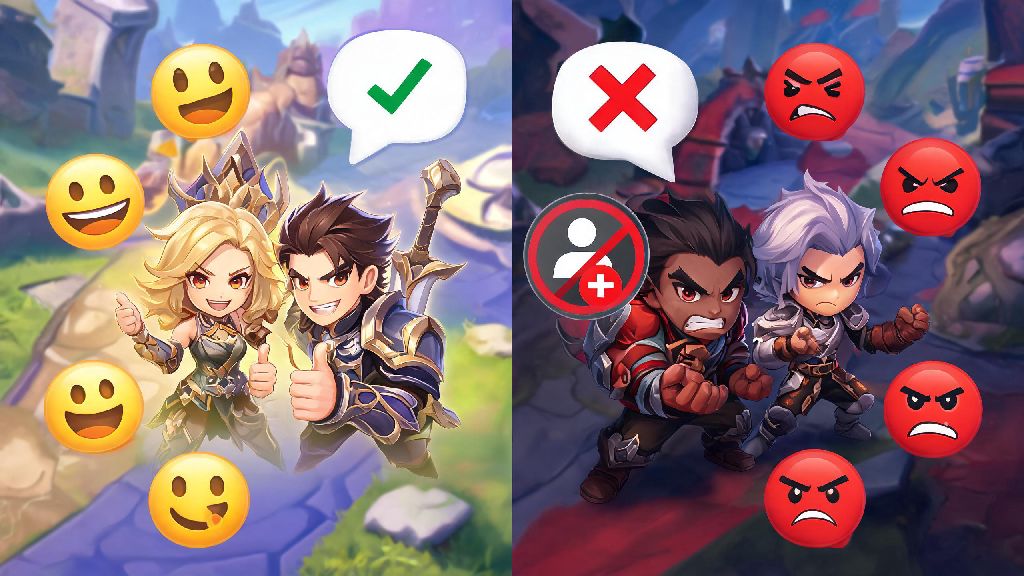
Anyone who's played Mobile Legends for more than a few ranked matches has run into that player who spams slurs in chat, intentionally feeds, or blows up your inbox with friend requests nonstop after a bad game. It ruins what's supposed to be a fun break from work or school, and no one should have to put up with that. That's exactly why knowing how to blacklist in Mobile Legends is one of the most useful skills you can pick up for the game, even if it doesn't directly help you win team fights or climb ranks. I've spent four years playing MLBB almost daily, and I've used this feature dozens of times to clean up my friend list, block scammers sending fake diamond links, and keep my match lobbies free of people who make the game worse for everyone around them.
What Does Blacklisting a Player Do in Mobile Legends?
A lot of new players confuse blacklisting with reporting, but the two features serve very different purposes. Blacklisting is a personal tool to cut off all interaction with a specific player, while reporting sends a flag to Moonton's moderation team to review potential rule breaks. When you add someone to your blacklist, you don't have to worry about them contacting you again, and they won't be notified you've blacklisted them at any point, so you don't have to deal with retaliation.
Blacklisting triggers a few specific restrictions for the blocked user, all designed to keep your in-game experience peaceful:
It's important to remember blacklisting isn't a substitute for reporting, though. If someone is breaking Moonton's terms of service by hacking, feeding intentionally, or using hate speech, you should still report their account separately to get them penalized or banned for all players, not just yourself.
Step-by-Step: How to Blacklist in Mobile Legends From Your Recent Matches
9 out of 10 times, the player you want to blacklist is someone you just finished playing with or against in a match. If you've ever wondered how to blacklist in Mobile Legends right after a bad match without navigating through multiple menus, this is the fastest method to use.
Right after a match ends, you’ll land on the stats screen where you can see every player’s KDA, damage dealt, and chat history from the game. Tap the small exclamation mark icon next to the name of the player you want to blacklist, which will pull up a menu of options. From there, tap the "Add to Blacklist" button, and confirm your choice when the pop-up appears. The whole process takes less than 10 seconds, and you won't have to interact with that player again.
If you already left the match screen before blocking them, you can still find them by going to your Recent Players tab in the Friends menu, which shows all players you’ve matched with in the last 72 hours. Just scroll through the list until you find their name, tap the three dots next to their profile, and select the blacklist option from there. I've used this method dozens of times when I forgot to block a toxic player right after a match, and it works just as well as the post-match shortcut.
How to Blacklist Someone From Your Friend List or Profile Search
Sometimes the person you want to block is already on your friend list, or someone who found your profile through a clan, tournament, or public leaderboard. Many new players don't realize how to blacklist in Mobile Legends when the person is already on their friend list, so this method saves you the trouble of having to search for their profile after removing them.
If the person you want to blacklist is already on your friend list, open your Friends menu, find their name on your list, and tap the three small dots next to their profile picture. Select the "Remove Friend" option first, then you’ll see the option to add them to your blacklist right after you confirm the removal. If you’re searching for a specific user who’s been harassing you via profile comments or other channels, pull up their profile page directly, tap the three dots in the top right corner of the screen, and select "Add to Blacklist" from the dropdown menu.
I once had to do this when a random player kept leaving toxic comments on my profile after I beat them in a local tournament qualifier. It took less than 30 seconds to block them entirely, and I never heard from them again. Just note that you can only have up to 200 players on your blacklist at a time, so if you run out of space, you can remove old entries of players you haven't interacted with in months to make room for new ones.
Common Mistakes to Avoid When Blacklisting Players in MLBB
Blacklisting is a simple feature, but there are a few common mistakes that can lead to headaches later on, especially if you block the wrong person by accident. Only use the blacklist feature for players who are intentionally being harmful, toxic, or breaking game rules, not for people who just have a bad game. We've all had teammates who miss a skill shot or take your buff by accident, that's not a reason to cut off all interaction with them permanently.
Another common mistake is forgetting to report players alongside blacklisting them. Blacklisting just keeps them away from you, but reporting them helps Moonton remove toxic players from the game entirely for everyone else. If someone is using hate speech, feeding intentionally, or hacking, always hit the report button before you blacklist them, and attach screenshot evidence if you have it to increase the chance of a successful moderation action.
It's also easy to accidentally blacklist a friend or clan mate when you're scrolling through your recent match list quickly, so double check the player's profile icon and in-game ID before you confirm the blacklist. You can always remove someone from your blacklist later, but it's an awkward conversation if your clan mate can't invite you to matches anymore because you blocked them by mistake. And don't fall for the myth that blacklisting guarantees you'll never match with someone again; in high rank lobbies where there are fewer players online at the same time, you might still end up in the same lobby, but they won't be able to interact with you at all during the match.
At the end of the day, Mobile Legends is supposed to be a fun way to connect with friends and enjoy casual or competitive gameplay. You never have to put up with toxic players, scammers, or people who make the game less fun for you, and learning how to blacklist in Mobile Legends is the simplest way to take back control of your in-game experience. You don't have to deal with spam messages, unwanted invites, or hateful comments from random players, and the whole process takes less than a minute to complete. If you ever need to unblock someone later, you can find your full blacklist in the Friends menu under the Blacklist tab, and remove anyone with a single tap. Next time you run into a player who ruins your game, don't waste time arguing with them in chat, just block them and move on to your next match.