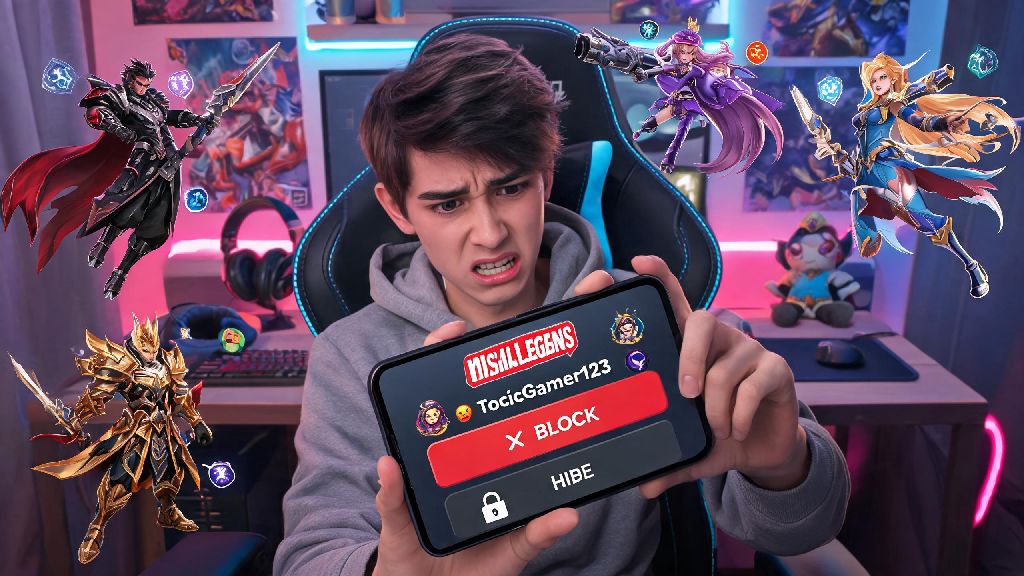
If you've spent any time playing Mobile Legends, you've definitely run into the kind of player that makes you want to log off immediately. It could be a toxic teammate spamming insults all match because you missed one skill shot, a random account sending you phishing links for "free unlimited diamonds" in your DMs, or someone who keeps spamming you with match invites even after you've said you don't want to play with them. Knowing how to block someone on Mobile Legends is one of the most underrated quality of life features the game offers, and it takes less than a minute to use once you know the steps. It's the easiest way to cut out unwanted interactions and make sure your time in the game stays fun, not stressful.
How to Block Someone on Mobile Legends: 2 Simple Methods for All Cases
There are two straightforward ways to block a user, depending on whether you just interacted with them in a match or they're already on your friend list. Both methods work on iOS and Android devices, and you don't need any special account permissions to use them. The first method is for blocking users you recently played with or chatted with, who aren't on your friend list yet.
The second method is for blocking users who are already on your friend list. Open your friend list from the main lobby, then scroll or search to find the name of the user you want to block. Tap the three dots next to their username, select "Block" from the menu, and confirm the pop-up message. That's it, the user will be removed from your friend list and added to your block list right away. If you're blocking someone because they broke game rules, make sure you submit a report before you go through the blocking process, because you won't be able to access their profile easily after they're blocked.
What Happens After You Block a Player in Mobile Legends?
A lot of players worry that blocking someone will trigger a notification, or lead to more harassment from the user, but that's not the case. The user you block won't get any alert that you've blocked them, so you don't have to worry about retaliation or drama. All existing chat history between you and the blocked user will also be deleted permanently, so you won't have to see their old toxic messages sitting in your inbox anymore.
You won't see any of their in-game comments in match lobbies, team chat, or all-chat, even if you end up matched on the same team by chance. They also won't be able to send you friend requests, chat messages, or match invites, and their profile won't show up in your suggested friend list. The only exception is if you play in very high rank lobbies where the player pool is small, you might still get matched with them occasionally, but you won't have to interact with them at all when that happens.
Always report rule-breaking players before you block them to help the moderation team keep the community safe. I learned that the hard way last year, when I blocked a player who was throwing matches on purpose out of frustration, then couldn't pull up their profile to submit a report. I had to scroll through 2 weeks of match history to find their username again, which was a total waste of 20 minutes I could have spent playing actual games. Blocking only removes the user from your space, it doesn't penalize their account, so reporting is still the only way to get them held accountable for breaking rules.
When Should You Block Someone on Mobile Legends?
You don't have to block every player who gets frustrated and makes one rude comment after a bad team fight, or who disagrees with your pick in the lobby. Most players have bad games sometimes, and a little bit of light trash talk is totally normal in competitive games. But there are clear cases where blocking is the best choice to protect your own experience and keep yourself safe.
Consistently toxic or abusive behavior is the most common reason to block someone. If a player is using slurs, targeting you or other teammates with harassment, or spamming hate speech in chat, block them immediately, no second thoughts. You don't have to put up with that kind of behavior just because it's an online game. Scam messages are another big red flag, if you get a random DM from an account promising free diamonds, exclusive skins, or other rewards in exchange for your account login information, that's 100% a phishing scam, block the sender right away to avoid getting your account stolen.
Unwanted contact is also a valid reason to block someone. If a player keeps spamming you with friend requests or match invites even after you've told them you don't want to play with them, or if they're harassing you outside of the game on other platforms, blocking them in Mobile Legends is an easy first step to cut off that contact. I used to feel guilty about blocking people, like I was being too sensitive. But once I started blocking anyone who used hate speech or harassed other players in chat, I noticed I was way less tilted after matches, and I started enjoying the game again. Once you've confirmed that someone is crossing your boundaries, using the process we outlined takes less than 10 seconds, and it's completely worth it.
How to Unblock a Player If You Change Your Mind
Sometimes you might block someone by accident, or have a temporary fight with a friend that you end up resolving later, and you want to unblock them. The unblock process is just as simple as blocking, but there's one important rule you need to know before you get started. You can only unblock a user 7 days after you originally blocked them, so make sure you're sure about blocking someone before you confirm, especially if it's a friend you had a small disagreement with.
To unblock a user, start by tapping your profile icon in the top left corner of the main lobby to open your account settings. Navigate to the privacy settings tab on the left hand menu, then scroll down until you see the "Block List" option. Tap that, and you'll see a full list of every user you've blocked on your account, sorted by the date you blocked them.
Find the user you want to unblock, then tap the "Unblock" button next to their name. Confirm the action when the pop-up appears, and the user will be removed from your block list immediately. After unblocking, all normal interactions will be restored, they can send you friend requests, chat messages, and match invites again, and you'll see their comments in match chat if you end up in the same game. If you unblock someone and they start harassing you again, you can re-block them at any time, and the 7 day waiting period will reset for that user.
At the end of the day, Mobile Legends is meant to be a fun way to pass time, connect with friends, and blow off steam after a busy day. You don't owe any random player your attention, patience, or time if they're making that experience worse for you. Knowing how to block someone on Mobile Legends is a small, simple tool that gives you full control over who you interact with in the game, and it's well worth taking a few seconds to use when you run into someone who crosses your boundaries. You'll be shocked at how much more enjoyable your games are once you clear out all the toxic, unwanted interactions from your space.