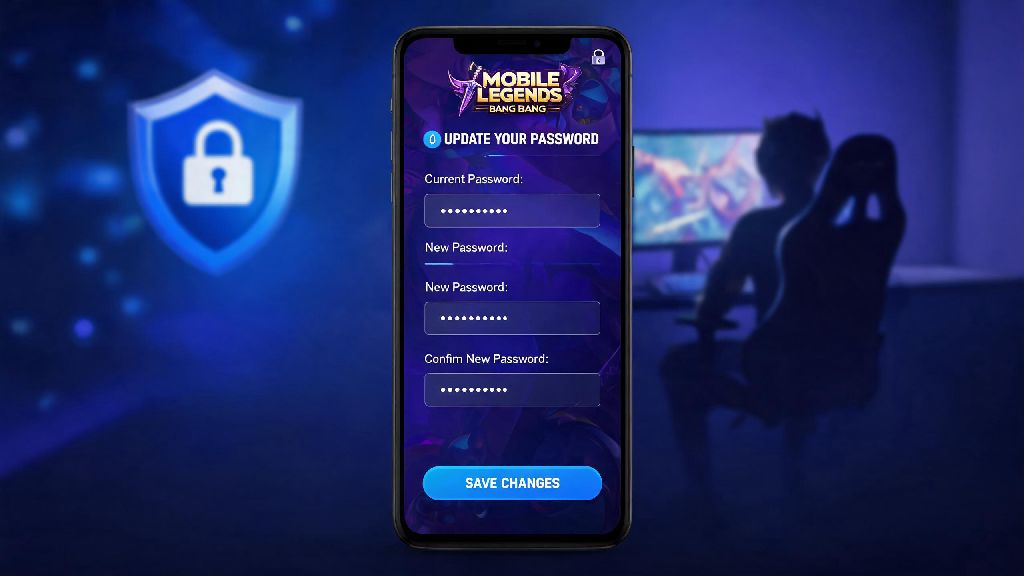
If you’ve ever woken up to a weird login alert for your Mobile Legends account, or realized you used the same weak password for MLBB as you did for a random old social media site, you’re not alone. Thousands of players lose access to their accounts every month to hacks and phishing scams, and most of these losses are completely preventable. Knowing how to change mobile legends password is one of the simplest, fastest ways to protect all the skins, rank progress, and in-game purchases you’ve spent months grinding for. This guide walks you through every scenario, from updating your password for a linked account to resetting it if you’re locked out entirely.
How to Change Mobile Legends Password for Linked Moonton Accounts
Most long-time players link their MLBB accounts to a Moonton profile, which is the most secure way to keep your progress saved across devices. The process to update your password only takes about a minute, and you can do it directly from the in-game settings menu. First, open MLBB and tap your profile icon in the top left corner of the main screen. Next, navigate to the “Account” tab, then select “Account Center” and choose the “Change Password” option. You’ll get a verification code sent to the email linked to your Moonton account, enter that code, then type in your new password twice to confirm. Guest accounts can't have their password changed directly, so you should always link them to a Moonton, Google, or Facebook account as soon as possible to avoid losing your progress if you lose your phone. Always use a unique password that you don't use for any other gaming or social accounts, so a breach on one platform won't put your MLBB account at risk.
Resetting Your MLBB Password If You Can't Log In
It’s really common to forget your password if you’ve taken a few months off from the game, or if you usually log in via auto-fill that got wiped when you switched phones. You don’t have to start over with a new account, though, even if you can’t remember your old login details. On the MLBB login screen, tap the “Forgot Password” button located right below the password entry field. You’ll be asked to enter the email or social media handle you used to link your account, then you’ll get a password reset link sent to that contact. You will need access to the email or social platform you used to link your account to complete the reset, so make sure you still have login access to that service first. If you no longer have access to the linked email or social account, you’ll need to submit a support ticket to Moonton. Be prepared to share proof of ownership, like screenshots of past in-game purchases, your account ID, and your highest recorded rank, to verify the account is yours. I had to do this once after I lost access to my old college Google account, and the support team got back to me within 2 business days to help me recover my account.
Essential Password Best Practices for MLBB Players
Changing your password is only half the battle, you also need to pick a strong one and follow basic security rules to keep your account safe long term. A weak password is just as easy to crack as no password at all, so keep these rules in mind when you pick your new login:
Enabling 2FA blocks 99.9% of automated hack attempts on gaming accounts, according to recent cyber security research for mobile gaming platforms. I’ve had guild mates lose their entire accounts just because they shared their password with someone they met in a random ranked match, so don’t make that mistake. It’s not worth losing hundreds of dollars worth of skins just to get a quick rank boost from a stranger.
What to Do After You Change Your Mobile Legends Password
Most players just close the settings menu after changing their password, but there are a few quick steps you can take to make sure your account stays fully secure. First, look for the “Log out of all other devices” option that pops up right after you confirm your new password, and tap it. This will kick anyone who might have had access to your account with your old password off immediately, so they can’t make any changes or purchases. Next, take 30 seconds to check your in-game purchase history to make sure no unauthorized charges were made before you updated your password. Double check that all your linked payment methods are still active and that no unknown payment accounts were added to your profile without your permission. If you use a password manager, update your MLBB entry with your new password so you don’t get locked out the next time you try to log in. If you get any unexpected login alerts in the 24 hours after changing your password, contact Moonton support right away, as that could mean someone has access to your linked email account too.
You don’t have to be a tech expert to keep your MLBB account safe, and taking 2 minutes to learn how to change mobile legends password can save you months of frustration if your account gets hacked. Whether you’re updating your password as a routine security check, or resetting it because you got locked out, the steps are simple enough for any player to follow. Don’t put off this small task, your hard-earned ranks, limited edition skins, and in-game purchases are well worth the tiny amount of time it takes to protect them. I update my own MLBB password at the start of every new ranked season, and I’ve never had an account security issue in 4 years of playing the game.