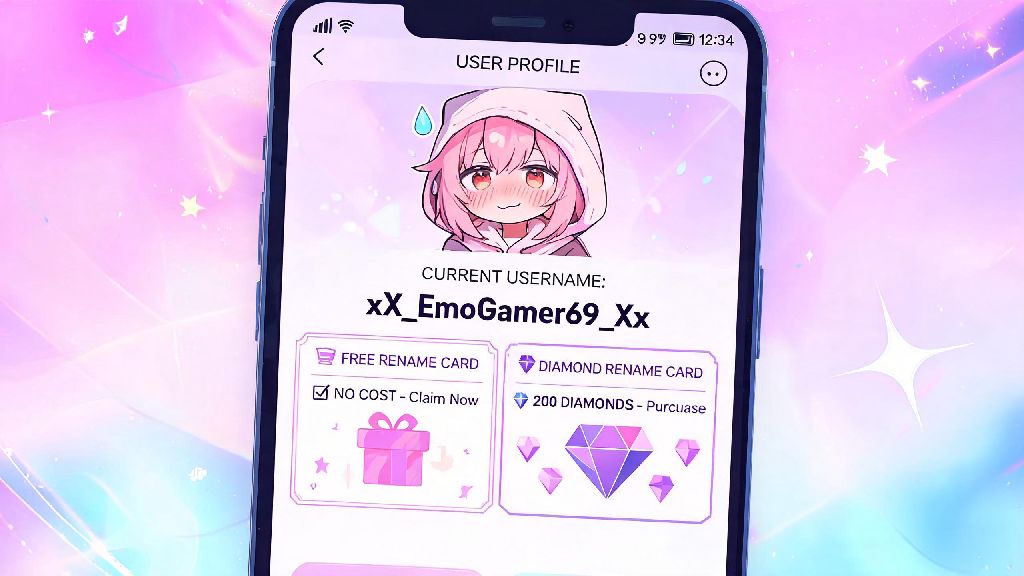
I still remember the first username I picked for MLBB back when I started playing: I was obsessed with a random anime villain, so I went with something so cringey I won’t repeat it here. I spent weeks waiting for a free rename card just to swap it for something that wouldn’t get me teased by my squad mates every time we queued for ranked. If you’re stuck with a username you outgrew, picked on a whim, or that no longer fits your squad’s brand, you’re in the right place. This guide breaks down exactly how to change name mobile legends, avoid common mistakes, and even get rename cards without spending real money.
Step-by-Step Guide on How to Change Name in Mobile Legends
The actual name change process only takes a minute, but there are a few pre-requirements you need to meet first. First, you need to have at least one rename card in your inventory, which you can get for free or buy for 299 diamonds in the in-game shop. You also need to make sure you haven’t changed your name in the last 3 days, as Moonton enforces a strict cooldown period for name changes.
Once you have your rename card ready, follow these simple steps: First, launch Mobile Legends and wait for the main lobby to load fully to avoid lag-related errors. Tap your profile icon in the top left corner of the screen, then look for the small gear icon directly next to your current display name right below your account level. Tap that gear icon, and a pop-up will appear prompting you to enter your new desired name. Double check the spelling and formatting, then tap confirm. The system will automatically deduct one rename card from your inventory, and your new name will be applied instantly across all game modes, leaderboards, and your profile.
There are a few quick rules to keep in mind before you hit confirm. You can only change your name once every 3 days, even if you have extra rename cards in your inventory, so pick something you’ll be happy with for at least that long. Names are case-insensitive, so capitalization doesn’t count as a unique name—if someone already uses “ProGamer”, you can’t claim “progamer” or “PROGAMER” as your own. You also can’t use special symbols that aren’t supported by the game’s text system, so stick to letters, numbers, and basic underscores or periods if you want to add formatting.
How to Get Free Rename Cards Without Spending Diamonds
You don’t have to spend real money or even hard-earned diamonds to get a rename card if you’re willing to put in a little effort or wait for in-game events. I’ve gotten 4 free rename cards over the last 2 years just by playing regularly and claiming event rewards, so it’s totally possible to swap your name for free. These are the most reliable ways to earn rename cards without paying:
Never use third-party sites that claim to give free rename cards or unlimited diamonds, no matter how legitimate they look. Almost all of these sites are phishing scams designed to steal your account login information, and Moonton will not help you recover your account if you give your details to an unapproved site. It’s always worth waiting a week or two for a free in-game rename card instead of risking losing your account entirely.
Common Name Change Errors and How to Fix Them
Most name change attempts go off without a hitch, but there are a few common errors that pop up for players every day, and most are easy to fix if you know what’s causing the problem. The most common error is “name already taken”, which means another player is already using the exact username you want. In that case, you can add a small, relevant suffix like a single underscore, a number that ties to your main hero’s release year, or a short tag like “Mains” or “Official” to make it unique without making it hard to remember.
The second most common error is “name contains banned content”, which pops up when Moonton’s automated system flags your desired name as violating its community guidelines. Banned content includes profanity, hate speech, political terms, copyrighted brand or celebrity names, and phrases that could be interpreted as harassment. Sometimes perfectly harmless names get flagged by accident if they contain a combination of letters that the system reads as a banned term, so you can try adjusting the spelling slightly or swapping a letter for a similar-looking number if you think it’s a false positive. If your name change request is rejected, you won’t lose your rename card, so you don’t have to worry about wasting your reward on a failed attempt.
The third common error is “you have recently changed your name”, which means you’re still within the 3-day cooldown period after your last name change. There’s no way to bypass this cooldown, even if you contact customer support, so you’ll just have to wait until the 3 days are up to try again. Don’t waste time spamming the confirm button or trying to trick the system, it won’t work, and you might end up getting temporarily locked out of your account for unusual activity.
Tips for Picking a Good Mobile Legends Name That Sticks
Picking a good username is half the battle, especially if you play ranked regularly, make MLBB content, or are part of a competitive squad. You want something that’s easy to pronounce, memorable, and fits your personal brand or playstyle. If you main a specific hero, you can reference their abilities or backstory in your name—for example, a Franco main might pick something like “HookKing” or a Kagura main might go with “UmbrellaQueen” to make their playstyle obvious to teammates and opponents alike.
If you’re part of a squad, matching prefixes are a fun way to show team spirit, but make sure each individual name is unique enough that people can tell you apart. Avoid adding long strings of random numbers or symbols, because that makes your name hard to type if someone wants to add you as a friend after a match. If you plan to stream or post MLBB content on social media, pick a name that’s the same as your TikTok, YouTube, or Instagram handle to make it easier for fans to find you in game.
Avoid using personal information like your real full name, address, or phone number in your username to protect your privacy. MLBB has millions of players worldwide, and you never know who you’ll be matched with, so it’s not worth risking your safety for a more personal username. You should also test if your desired name is available before you use your rename card by searching for it in the in-game friend search bar, so you don’t waste time typing it in only to find out it’s already taken.
Changing your in-game username doesn’t have to be a confusing or expensive process. Once you have a rename card, the whole process only takes a minute, and you can earn free rename cards regularly just by playing the game and claiming event rewards. Just make sure you pick a name that follows the community guidelines, isn’t already taken, and that you’ll be happy with for at least 3 days. Whether you’re ditching a cringey old username, updating to match your squad’s brand, or rebranding for your content channel, this guide covers everything you need to know about how to change name mobile legends without hassle.