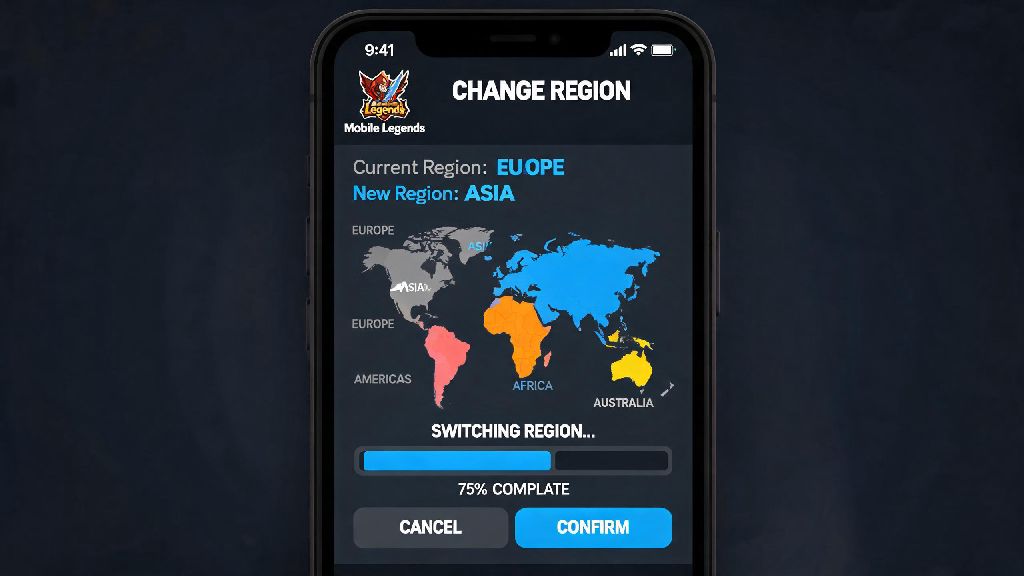
If you’ve ever tried to squad up with a friend who lives in another country, or noticed you’re missing out on region-exclusive skins and events, you’ve probably wondered how to change region in Mobile Legends. Most players assume the process is complicated or will get their account banned, but that’s not the case if you stick to official methods. I’ve switched my own MLBB region three times over the past two years to play with college friends in Indonesia and Brazil, so I’ve tested every possible method to see what works and what puts your account at risk. This guide breaks down everything you need to know, from pre-change preparations to common mistakes you should avoid at all costs.
How to Change Region in Mobile Legends Using Official In-Game Tools
The only 100% safe way to switch your MLBB region is through the built-in in-game setting, which is designed specifically for this purpose. You don’t need to download any extra apps or share your account credentials with anyone to use this feature. To access it, first open your profile page by tapping your avatar in the top left corner of the main lobby. From there, tap the “Account” tab on the right side of the screen, then look for the “Change Region” option near the bottom of the menu. You can only switch regions once every 90 days, so make sure you’re certain about your choice before you confirm. Once you select your desired region from the dropdown list, you’ll be prompted to restart your game to apply the changes. Your rank progress and existing skins will carry over to the new region, so you don’t have to worry about losing hundreds of dollars worth of purchases or months of ranked grind. If you don’t see the “Change Region” option in your account menu, that means you’re already eligible for a switch in the next few days, or your account is currently restricted due to a recent penalty. You can reach out to Moonton support to resolve the issue if the option doesn’t appear after a week.
Key Preparations to Make Before Switching Your MLBB Region
Jumping into a region switch without prepping first is a quick way to lose hard-earned rewards or run into unexpected issues. I made this mistake the first time I switched regions, and I lost 1200 limited event tokens that I was saving for a rare Franco skin. To avoid that same headache, take care of these tasks before you tap the confirm button:
Region-limited event tokens expire immediately when you switch regions, even if the event is still running in your old region. If you’re close to earning a big reward from an ongoing event, it’s worth waiting until the event ends to make your switch. You should also finish any ongoing ranked matches before you switch, as abandoning a match mid-game will count as a loss and deduct rank points even if you leave to switch regions.
Common Risks of Using Unofficial Methods to Switch Regions
Lots of players turn to VPNs or third-party region switch apps to get around the 90-day cooldown, but these methods come with serious risks that aren’t worth the short-term reward. I’ve seen dozens of players lose their accounts permanently just because they wanted to get a region-exclusive skin a few months early. Moonton’s anti-cheat system can detect VPN usage for region switching even if you use a paid, premium VPN service. First time offenders usually get a 7-day account ban, and repeated violations lead to a permanent suspension that can’t be appealed. Even if you don’t get banned, using a VPN to switch regions will lead to constant lag spikes, dropped matches, and higher ping than you’d get with the official region switch. You also won’t be eligible to claim rewards from region-exclusive events, because Moonton verifies your actual physical location before giving out limited prizes. Third-party apps that claim to switch your region for free are even more dangerous. Most of these apps are loaded with malware that steals your account login credentials, and many have been linked to large-scale MLBB account hacks over the past few years. If you’re thinking of using an unofficial method, remember that losing your account with all your skins and rank progress is way worse than waiting 90 days for the official switch.
What to Expect After You Successfully Change Your MLBB Region
Once your game restarts after the region switch, you’ll notice a few small changes right away. The first thing you’ll see is a welcome message for your new region, with details about ongoing local events and promotions. Your match queue will now be filled with players from your new region, so you might notice different meta picks, more or less toxic chat, and different average skill levels depending on where you switch to. For example, when I switched to the Indonesian region, I noticed way more players use fighter heroes in the exp lane compared to my old North American region, where mages are far more common. You will have access to all region-exclusive events, skins, and recharge promotions for your new region immediately after the switch. You might find that diamond recharge prices are lower or higher depending on the region’s local currency, so keep that in mind if you regularly make in-game purchases. Your existing friends list will stay completely intact, but you’ll see a small region tag next to friends who are in a different region than you. Cross-region queueing is still allowed, but you’ll have longer wait times for matches and higher ping than you would queuing with players in your new region. If you find that the lag is worse than you expected, or you don’t like the gameplay in your new region, you can switch back to your old region, but you’ll have to wait the full 90-day cooldown period first. If you’re switching regions to participate in local esports qualifiers, keep in mind that most official tournaments require you to show a valid ID from the region you’re competing in, even if you’ve already changed your in-game region.
Switching regions can open up a ton of new fun experiences in MLBB, from playing with old friends who live overseas to getting your hands on skins you never had access to before. As long as you stick to the official in-game process and prepare properly ahead of time, you don’t have to worry about losing your account or wasting your hard-earned progress. I’ve switched regions three times now without any issues, and I’ve gotten access to six exclusive skins I never would have gotten in my home region. If you’ve been on the fence about trying it, now is a great time to look through the available regions and see what exclusive content you could unlock when you learn how to change region in Mobile Legends. Just don’t forget to spend those leftover event tokens before you hit the confirm button.