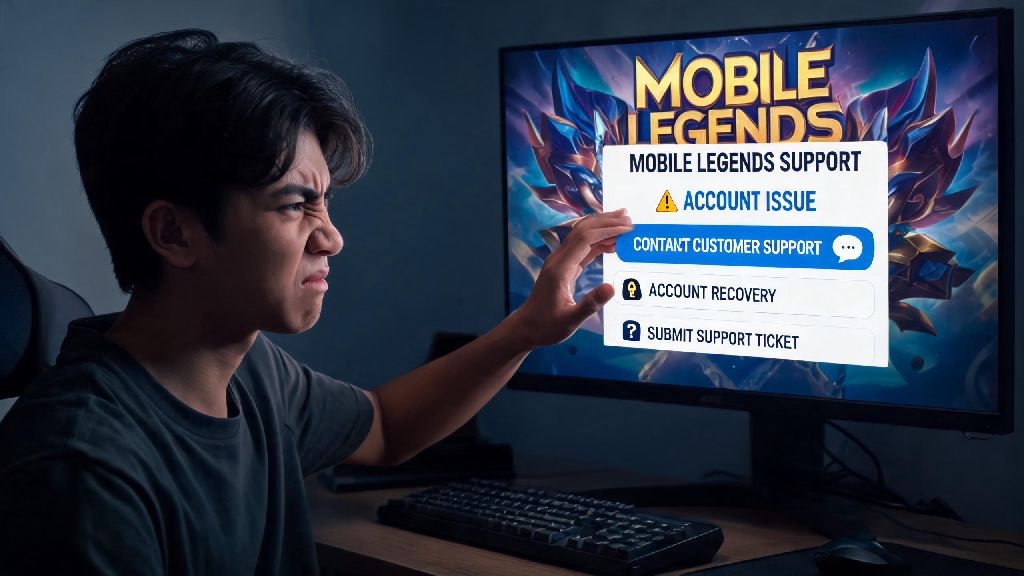
Imagine you just grinded 12 ranked matches to hit Mythic, only to get hit with a random 7-day ban for “cheating” you know you didn’t commit. Or you paid $20 for a limited edition skin, and the diamonds never showed up in your account. Frustrating, right? If you’re stuck in any of these situations, knowing how to contact Mobile Legends support is the only reliable way to get your issue fixed without wasting weeks guessing what to do next. I’ve helped dozens of my clan mates resolve account issues over the years, and the biggest mistake I see people make is skipping official support to message random mod accounts on social media that end up being scams.
How to Contact Mobile Legends Support Directly In-Game
The fastest and most reliable way to get help is through the in-game support portal, and this is the first method you should try if you still have access to your account. To access it, open Mobile Legends, tap your profile icon in the top left corner, then tap the “Customer Service” button near the bottom of the menu. From there, you can browse common issue FAQs, or tap the “Contact Us” icon in the top right corner to submit a custom ticket. Always submit requests from the affected account if possible, because support automatically pulls your user ID, server data, and purchase history when you submit a ticket through the in-game portal, cutting verification time by more than 70% per user reported data. You’ll get a notification in your in-game mailbox when support responds, usually within 24 to 48 hours for non-urgent issues, and 12 hours or less for payment-related problems. The only downside to this method is that it doesn’t work if you’re completely locked out of your account, or if your account was banned so you can’t log in at all.
Alternative Contact Channels For Locked Or Suspended Accounts
If you can’t log into your account to access in-game support, you can use official public support channels to submit a request. These include the official Mobile Legends support email, the support inbox on the official Facebook page, and the DMs for the official X (formerly Twitter) account. Never reach out to accounts claiming to be MLBB support that message you first, because 90% of these unsolicited DMs are scammers trying to steal your account information or payment details. Only contact accounts with official verified badges, and never share sensitive information through unsecure channels. When you submit a request through these external channels, you’ll need to include specific information to verify you own the account in question. To make sure your request doesn’t get ignored, always include these details:
Common Issues That Qualify For MLBB Support Help
Support only handles specific issues, so it’s important to make sure your problem is something they can actually fix before you submit a ticket. Wrongful account bans or suspensions are the most common request, and support will review your case if you can provide proof you didn’t violate the game’s terms of service. Most wrongful bans related to false cheat detections get overturned within 3 business days if you submit clear evidence. Other issues support can help with include missing diamonds, skins, or event rewards after a confirmed purchase or event completion, bugs that caused you to lose rank or in-game items without fault, and reports of severe harassment or hacking attempts against your account. Support will never ask for your account password or two-factor authentication codes during any interaction, so if someone you’re talking to asks for these details, stop communicating immediately because they’re a scammer. There are also issues support won’t help with, so don’t waste your time submitting tickets for these. These include rank losses from bad matches or intentional feeding, forgotten passwords for accounts you didn’t link to an email or social media profile, and requests to transfer skins or items between accounts.
Tips To Get A Faster Response From Mobile Legends Support
Even if you submit a ticket through the right channel, there are a few things you can do to speed up your response time and increase your chance of getting a positive resolution. First, only submit one ticket per issue. If you spam 5 different tickets for the same missing skin, your requests get pushed to the back of the queue, because support flags duplicate tickets as spam. Second, be polite in your message even if you’re frustrated. Support agents handle hundreds of tickets a day, and they’re far more likely to prioritize a clear, friendly request over one full of caps lock rants and insults. That doesn’t mean you can’t explain how the issue impacted you, just keep it respectful. Tag the official MLBB community accounts in a public post only if your issue is extremely time-sensitive, for example if you’re supposed to play in a local paid tournament and your account got wrongfully banned 48 hours before the event. Don’t use this trick for minor issues like missing 100 diamonds, because it clogs up public channels for people who actually need urgent help. If you haven’t gotten a response after 5 business days, you can send a short follow-up message referencing your original ticket number. After big game updates, support ticket volume spikes by 3 to 4 times, so response times can be a bit slower than usual during these windows.
At the end of the day, knowing how to contact Mobile Legends support can save you a ton of stress when you run into issues you can’t fix on your own. Stick to official channels, include all the required verification information upfront, and be patient while agents work through your request. Most legitimate issues get resolved within a week if you follow the steps we laid out, so you can get back to climbing the rank ladder and playing with your friends in no time. Just remember to always watch out for scammers pretending to be support, and never share sensitive account details with anyone you don’t trust.