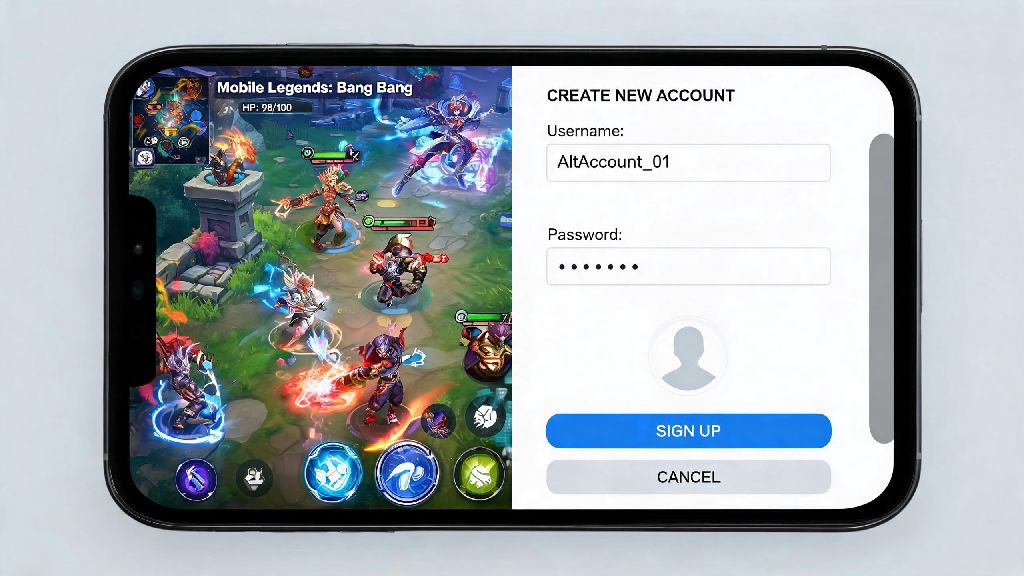
If you’ve ever wanted to start fresh with a clean rank, test out new heroes without ruining your main account’s win rate, or just have a separate profile to play with lower-ranked friends, figuring out how to create a new Mobile Legends account is one of the most useful tricks you can learn as an MLBB player. I’ve created more than half a dozen alt accounts over the past four years of playing, both for testing new hero builds and playing with casual friends who are just picking up the game, and I’ve figured out all the common mistakes that can lock you out of rewards or get your account flagged. In this guide, I’ll walk you through every part of the process, from pre-setup checks to post-creation steps that make sure your new account is safe and ready to play.
How to Create a New Mobile Legends Account Without Losing Access to Your Main Profile
The biggest risk people face when making a new MLBB account is accidentally overwriting or losing access to their existing main profile. That’s why the first step of the process is always logging out of your current account properly, instead of just hitting the “new account” button on the login screen. To log out safely, go to your profile page, tap the settings icon in the top right corner, and select “log out” at the bottom of the menu. Don’t just close the app, as MLBB often stores login data in the background that can cause accidental sign-ins later.
Once you’re on the official login screen, you’ll see options to sign in with Google, Facebook, TikTok, a Moonton account, or play as a guest. Never bind your new account to the same email or social profile you use for your main MLBB account. Even if the app says you can switch between profiles, I’ve seen dozens of cases where overlapping binding leads to one account being permanently locked, with no way to recover it from Moonton support. Pick a separate, unused social account for your new profile, or make a new Moonton account specifically for this purpose.
After selecting your binding method, you’ll be prompted to enter your date of birth and create an in-game name. You can skip the auto-generated name suggestions if you want, but keep in mind you only get one free name change right after creation; any later changes will cost 299 diamonds. Follow the on-screen prompts to complete the initial tutorial, and your new account will be active in less than five minutes.
Pre-Creation Checks to Unlock Maximum New Player Rewards
New MLBB accounts get access to exclusive rewards that can save you hundreds of dollars worth of diamonds if you claim them correctly, but you have to set things up right before you create the account to unlock all of them. I missed out on a free elite skin on my first alt account because I skipped these steps, so I always recommend taking two minutes to run through this checklist before you start the sign-up process:
New player rewards are only available for accounts that have never been registered on your device before, which is why clearing your cache is so important. If the app detects residual data from an old account on your phone, it will mark your new profile as a returning player, and you’ll lose access to the 7-day new user event that gives out free heroes, skins, and battle points. I always recommend restarting your phone after clearing the cache to make sure all old data is wiped before you open the app again.
You also don’t have to pick the same region as your main account if you’re looking for better rewards. Some regions run limited-time new player events that give out exclusive skins like Kagura’s Cherry Witch or Chou’s Kung Fu Boy, while others give extra battle points or hero fragments. Just keep in mind that you can’t change your region for 30 days after creating your account, so pick one with low ping if you plan to play ranked matches regularly.
Unbound accounts have a 70% higher risk of being lost permanently if you uninstall the game or lose your device, so don’t skip the binding step even if you think you’ll only use the account for a few weeks. Moonton support almost never helps recover unbound guest accounts, since there’s no way to verify ownership of the profile.
Common Mistakes to Avoid When Setting Up Your New MLBB Account
Even if you follow the basic sign-up steps perfectly, there are a few common mistakes that can ruin your new account experience before you even play your first match. The first one I see all the time is skipping the initial tutorial to get to matches faster. The tutorial only takes three minutes to complete, and it gives you a free permanent hero, 2000 battle points, and 100 hero fragments that you can use to unlock more characters later. You cannot go back and complete the tutorial later to claim missing rewards, so even if you’re a long-time player, sit through the short walkthrough to get your free items.
Another big mistake is entering a fake birthday when prompted during sign-up. Moonton has strict age verification rules for all accounts, and if you enter a birth date that makes you younger than 13, your account will be restricted to 1 hour of play per day, and you won’t be able to make any in-game purchases. Age restriction flags on MLBB accounts are almost impossible to reverse once applied, even if you send proof of your real age to support, so enter your actual date of birth to avoid this headache.
If you’re creating an alt account to avoid toxic players or play anonymously, don’t use the same in-game name as your main account, even if you add a few numbers at the end. Other players can search for your name across all servers, so they’ll still be able to find your alt profile if you use a similar name. You should also avoid using offensive or trademarked names, as these can get your account reported and banned permanently with no warning.
Finally, don’t use third-party tools or scripts to skip parts of the sign-up process or unlock extra rewards. Moonton’s anti-cheat system detects these tools immediately, and new accounts are flagged for extra monitoring for the first 30 days after creation. I saw a friend get his new alt account banned less than 10 minutes after he created it because he used a script to skip the tutorial, and he never got access to it back, even after appealing to support.
Post-Creation Tips to Get Your New Account Off to a Strong Start
Once your new account is created and bound to your social profile, there are a few quick steps you can take to make your gameplay experience way smoother. First, go to your settings and adjust your privacy controls to match what you want from the account. If it’s a casual alt to play with friends, you can turn off online status visibility so your main account friends don’t send you match invites when you’re playing on your alt. If it’s a new main account for a fresh start, you can turn on match invitations from friends only to avoid random invites from strangers.
Next, prioritize completing the 7-day new player event tasks before you jump into ranked matches. These tasks give you way more rewards than regular daily missions, including two free elite skins, 10,000 battle points, and enough hero fragments to unlock three to four extra heroes for free. Most of the tasks are simple things like playing three classic matches or trying out a new hero, so you can complete all of them in less than a week of casual play.
If you’re using the new account to test out new hero roles, your first 20 matches are the perfect time to experiment. New accounts are matched with other first-time players for the first 20 games, so you won’t have to deal with toxic experienced players yelling at you for making mistakes. I always use my new alt accounts to practice tank or support roles that I don’t play on my main account, since the low-pressure matches make it easy to learn without ruining my win rate.
If you plan to play ranked on your new account, take the time to unlock at least 16 heroes before you start playing placement matches. You need 16 heroes to play ranked, and if you grind classic matches for a few days first, you can unlock most of the meta heroes for free with battle points before you start playing ranked. Your first 10 ranked matches are placement matches, and if you win 8 or more of them, you can place directly in the Epic rank, which saves you weeks of grinding through Warrior and Elite ranks.
Figuring out how to create a new Mobile Legends account doesn’t have to be complicated, and it opens up a ton of new ways to enjoy the game whether you’re a casual player or a long-time MLBB fan. Take the time to follow the pre-check steps and avoid common mistakes, and you’ll have a safe, reward-rich new account ready to play in less than 10 minutes. Whether you’re making an alt to play with friends, testing new heroes, or starting fresh after a bad rank streak, a new account can make the game feel fun and new again.