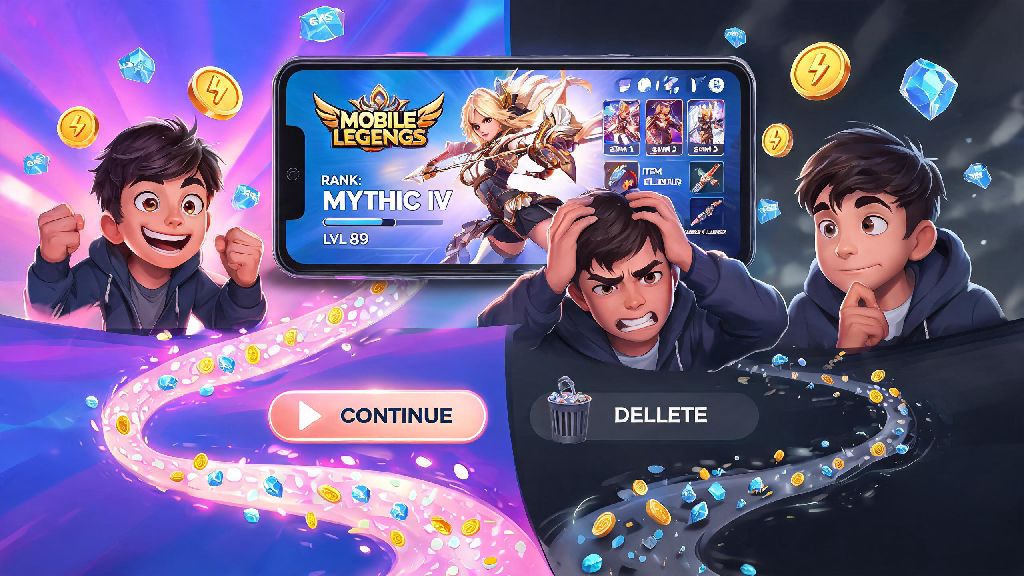
We’ve all been there: you spend months grinding ranked matches, collecting limited edition skins, and building up your hero roster, only to hit a point where Mobile Legends feels more like a chore than a fun hobby. Maybe you’re tired of toxic teammates, struggling to balance game time with work or school, or just ready to move on to other games entirely. Whatever your reason, you’re here because you want to know how to delete mobile legends account, and you don’t want to waste time digging through hidden settings or confusing support pages. This guide breaks down every step of the process, plus important details most players miss before they hit the delete button.
Pre-deletion Checks You Must Do Before You Delete Mobile Legends Account
Jumping straight into deletion without doing these simple checks can lead to annoying surprises later, so take 5 minutes to go through this list first. First, use up any remaining in-game currency or items you don’t want to waste, including diamonds, battle points, and limited time event tickets. You won’t get a refund for unused paid currency, so it’s better to use it on skins or heroes you’ve had your eye on before you submit your request.
Next, download any screenshots, game clips, or replay files you want to keep. Once your account is deleted, all of that data is wiped from Moonton’s servers permanently, and you won’t be able to retrieve it later. If you have any pending support tickets open with Moonton for account issues or purchase disputes, resolve those first too—deleting your account will close all open tickets immediately with no further follow-up.
Finally, double check that you have access to the email or phone number linked to your Moonton account. You’ll need to receive a verification code to confirm your deletion request, so if you no longer have access to that contact method, you’ll need to update it in your account settings first. That means you can’t delete an account you’ve lost access to, so you’ll have to go through Moonton’s account recovery process first if you’re locked out.
Step-by-Step Process to Delete Your Account on Android and iOS
The deletion process is almost identical on both Android and iOS devices, so you can follow these steps no matter what phone you use. First, open the Mobile Legends app and log into the account you want to delete. Tap your profile icon in the top left corner of the home screen, then tap the gear-shaped settings icon in the top right corner of the profile page.
From the settings menu, select the “Account” tab on the left hand side. Scroll all the way to the bottom of the page, past all the options to link social media or third party accounts, until you see the “Delete Account” button. Make sure you have access to your linked email or phone number before you tap this button, as you’ll be asked to verify your identity right away.
After you tap delete, you’ll see a series of warning pop-ups explaining that deletion is permanent and you’ll lose all your progress. Read these carefully, then enter the verification code that gets sent to your linked email or phone number. Submit the code, and your deletion request will be officially logged.
One key detail most players miss here is that you can only delete accounts that are linked to a Moonton, Google, Facebook, or TikTok account. If you’re playing on a guest account, you can’t submit a formal deletion request—your account will automatically be deleted after 30 days of inactivity, but you can speed up the process by uninstalling the app and clearing all app data from your device.
What Happens After You Submit Your Deletion Request
As soon as you submit your verification code, you’ll get a confirmation message that your deletion request is being processed. There is a mandatory 7-day cooling off period before your account is permanently deleted, which gives you time to change your mind if you decide you don’t want to lose all your progress. If you log back into your account at any point during those 7 days, your deletion request will be canceled immediately, no extra steps required.
Once the 7-day period passes, your account is wiped from Moonton’s servers for good. That means all your rank progress, hero and skin collections, in-game currency, friend lists, and match history are gone forever. You won’t be able to recover any of this data, even if you contact Moonton support directly later.
It’s also important to note that you will not get refunds for any paid purchases after deletion is final. Moonton’s terms of service clearly state that all in-game purchases are non-refundable, even if you delete your account shortly after buying something. If you have a pending refund request, you’ll need to wait for it to be processed before you submit your deletion request.
Another common misconception is that deleting your account will remove any active bans on your device. If your account was banned for cheating, toxic behavior, or violating Moonton’s terms of service, deleting the account won’t lift the device ban. You’ll still be blocked from playing Mobile Legends on that device, even if you make a new account later.
Alternatives to Permanent Account Deletion
Permanent deletion is a big step, and it’s not the right choice for everyone, especially if you’ve spent hundreds of dollars and hours building up your account. If you’re on the fence about deleting, try these lower-stakes alternatives first to see if they solve the problem that’s making you want to leave the game.
So when does permanent deletion make sense? If you’ve tried all these alternatives and still find that Mobile Legends is negatively affecting your mental health, taking up too much of your time, or causing unnecessary stress, then it’s probably the right choice for you. There’s no shame in walking away from a game that no longer brings you joy, even if you’ve invested a lot into it.
At the end of the day, figuring out how to delete mobile legends account is a simple process once you know where to find the hidden settings, but it’s not a decision to rush. Take the time to go through the pre-deletion checks, remember the 7-day cooling off period, and consider the alternatives if you’re not 100% sure you want to lose all your progress. Whatever you choose, the most important thing is that you’re making the choice that works best for your life, not just your in-game rank.