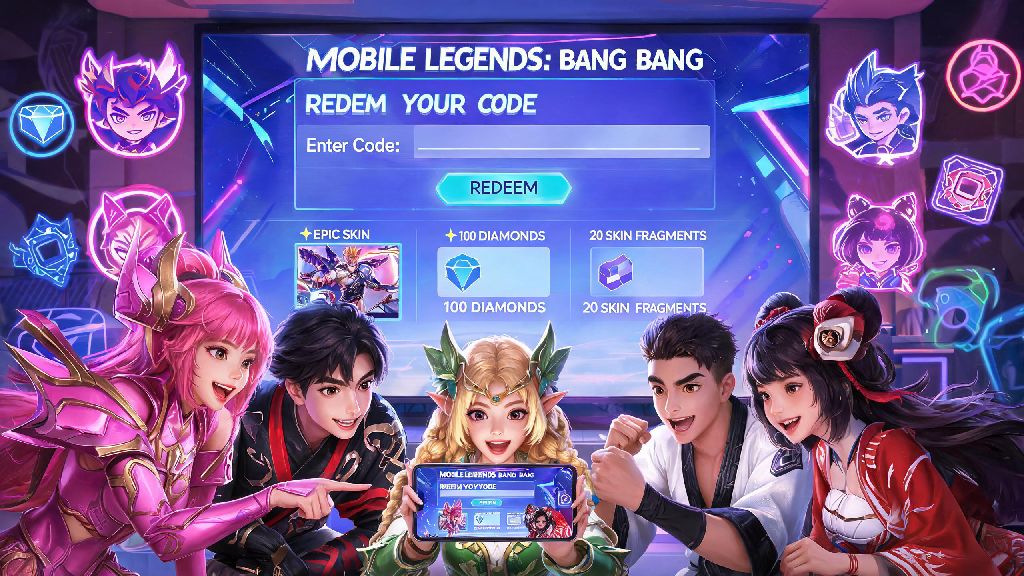
If you’ve ever scrolled through social media and seen other Mobile Legends players showing off free limited skins, rare recall effects, or stacks of diamonds they didn’t pay for, there’s a good chance they used redeem codes. Most new players struggle with figuring out how to enter codes in Mobile Legends without running into expired or invalid error messages, even when they have a working code in hand. I’ve spent years playing MLBB almost daily, and I’ve redeemed dozens of codes over time, so I’ve put together this no-fluff guide to walk you through every step, plus common mistakes to avoid so you never miss out on free loot again.
How to Enter Codes in Mobile Legends: Official Step-by-Step Process
First, you need to know there are two official ways to redeem codes, and neither requires you to share your account password or any sensitive personal info. You can use either the in-game redemption center (available after you reach level 5) or the official Moonton redemption web page, and both follow the same core requirements. You’ll need your in-game user ID first, which you can find by tapping your profile icon in the top left corner of the main screen, right below your avatar. You’ll also want to make sure your account is not banned or restricted, as restricted accounts can’t redeem any codes, even valid ones. If your account has a temporary ban, you’ll have to wait until the ban is lifted before you can claim any rewards.
Once you have your user ID handy, follow these steps for the web method, which I find works 90% of the time even when the in-game center is glitching during big event drops:
If you prefer to use the in-game method, you can find the redemption center under the "events" tab, but note that it often crashes during peak times when new codes drop for big tournaments or holiday events. You’ll still need to enter the same verification code sent to your mailbox, so don’t skip that step no matter which method you use.
Common Mistakes That Make Your Code Redemption Fail
I can’t tell you how many times I’ve seen players complain that a code is broken, only to find out they made a tiny, avoidable mistake when entering it. The first and most common error is typos or case sensitivity – most MLBB codes are a mix of uppercase letters and numbers, and even one lowercase letter or swapped number will make the code show as invalid. Always copy and paste the code directly from official sources if you can, instead of typing it out manually.
Another big mistake is trying to redeem a code that’s already expired, or limited to a specific region. Most codes only last 7 days after they’re released, and some are only for players in Southeast Asia, Europe, or other specific regions, so double check the release notes before you waste time trying to redeem it. You also can’t redeem the same code twice on one account, so don’t bother saving codes you’ve already used to try later.
One less well-known rule is that you can only redeem 3 codes per account per day, even if you have more active codes saved up. If you hit that limit, you’ll get a "redemption limit reached" error, and you’ll have to wait 24 hours before you can enter more codes. I learned this the hard way a few years ago when I hoarded 10 active event codes and tried to redeem them all at once, only to have 7 of them expire before I could go back the next day.
Where to Find Legitimate Active Mobile Legends Codes
The worst thing you can do is waste time on fake code sites that ask for your account password or require you to download sketchy apps to get codes. All official MLBB codes are released only through Moonton’s official channels, so you never have to pay or share sensitive info to get them.
The first place to check is the official Mobile Legends social media accounts on Facebook, X (formerly Twitter), Instagram, and TikTok. They drop new codes for holiday events, new hero launches, and esports tournament wins, usually with a 7 day expiration window. You can also follow official MLBB esports teams and streamers, who often get exclusive codes to share with their audiences during live streams. I usually turn on post notifications for the official MLBB account for my region, so I get an alert the second a new code drops, before it expires or runs out of uses.
If you’re part of the official Mobile Legends Discord server or in-game community groups, you’ll also find codes shared there first, usually right after they’re released. Avoid any third party sites that claim to have "unlimited diamond codes" or ask you to complete surveys to get codes – 99% of these are scams designed to steal your account info or show you spam ads. I’ve never once gotten a working code from a third party site, so stick to official sources only to keep your account safe.
What to Do If Your Code Redemption Still Doesn’t Work
Even if you follow all the steps correctly, you might still run into errors every once in a while, especially during big event days when thousands of players are redeeming codes at the same time. First, don’t panic – most of these issues are temporary and easy to fix.
The first thing to try is clearing your browser cache if you’re using the web redemption method, or restarting your game if you’re using the in-game center. Sometimes old cached data can cause the page to glitch, even if you entered all the info correctly. If that doesn’t work, wait 15 to 30 minutes and try again, as the server might be overloaded from high traffic. I once waited 45 minutes to redeem a code during the M4 World Championship, and it worked perfectly once the initial rush died down.
If you still get an invalid code error, double check that the code hasn’t expired and is available for your region. If you’re sure it’s a valid active code, you can reach out to Moonton customer support through the in-game help center, and they’ll usually help you resolve the issue within 24 hours. Make sure you have a screenshot of the code and the error message handy to speed up the process. One thing to keep in mind: some codes are only for new players who have made an account in the last 30 days, or for players who have reached a specific account level. If you’re a long-time player trying to redeem a new player exclusive code, it won’t work, no matter how many times you try.
Redeeming codes is one of the easiest ways to get free, exclusive in-game items without spending any real money, and once you get the hang of the process, it only takes a minute to claim your rewards. Now that you know how to enter codes in Mobile Legends correctly, you can stop missing out on free skins, diamonds, and other perks that other players are already enjoying. Just remember to stick to official sources, avoid common typos, and don’t try to redeem more than 3 codes a day, and you’ll have a steady stream of free loot coming to your account every month.