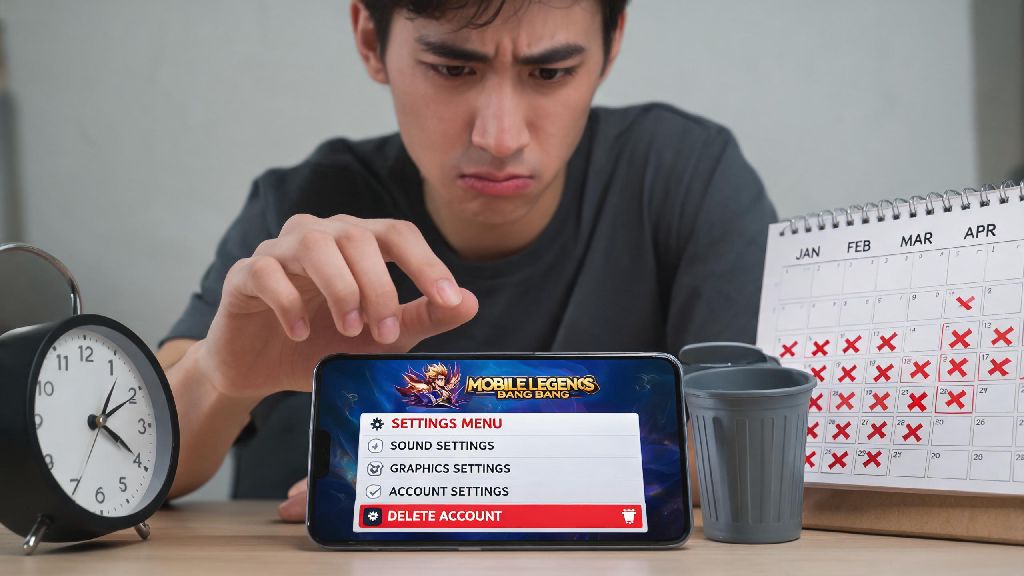
We’ve all been there: you’ve spent months grinding rank, collecting skins, and queuing with friends, but lately, Mobile Legends has felt more like a chore than a hobby. Maybe you want to cut back on screen time, switch to a new main account, or step away from gaming entirely. If that’s the case, you’re probably looking for how to delete your Mobile Legends account without running into hidden hoops or lost data. Most quick guides skip critical pre-deletion steps that can leave you losing access to linked accounts or wasting unused purchases, so we’ve broken down every part of the process based on actual user experience and Moonton’s official terms.
How to Delete Your Mobile Legends Account Permanently in 5 Steps
The process is straightforward as long as you have access to the email or phone number linked to your Moonton account. You don’t need to contact support for a standard deletion request, as the entire process is built directly into the game’s settings. We’ve tested these steps ourselves to make sure they work for both Android and iOS users, with no extra work required.
First, open Mobile Legends and tap your profile icon in the top left corner of the main screen. Next, navigate to the Account tab on the side menu, then select “Account Center” at the bottom of the page. From there, look for the “Delete Account” option and tap it to start the verification process. You’ll be sent a one-time passcode to your linked email or phone number to confirm you own the account. Enter the code, read and accept the deletion terms, then submit your request.
You’ll get an on-screen confirmation that your request has been received, and the 7-day cooling off period will start immediately. Don’t log into the account during this window if you want the deletion to go through, as any login activity will automatically cancel your request with no way to restart it without repeating the entire process.
Critical Pre-Deletion Checks You Should Never Skip
A lot of users rush through the deletion process only to realize they lost something important after it’s too late. These simple checks take less than 10 minutes to complete, and they save you from permanent loss of items or access you might want later. We’ve heard from dozens of players who forgot to do these steps and regretted it, so don’t skip them.
If you have multiple Mobile Legends accounts linked to the same email, don’t worry. The deletion request only applies to the specific account ID you’re logged into when you submit the form, so your other profiles will remain completely untouched. Just make sure you’re logged into the correct account before you start the process to avoid deleting the wrong one by mistake.
What Happens After You Submit Your Deletion Request?
Many users assume the account is gone as soon as they hit submit, but that’s not the case. Moonton adds a mandatory 7-day waiting period to give users time to change their mind, which is a common policy for most online gaming platforms. You won’t get any reminder emails during this period, so it’s up to you to track the timeline if you’re on the fence.
Once the 7 days pass, all data tied to the account is permanently erased from Moonton’s servers. That includes your rank, hero collection, skin inventory, friend list, chat history, and event progress. All purchases are non-refundable unless you submitted a formal refund request and got approval before the deletion was processed, so don’t expect to get money back for skins or diamonds you bought previously.
I’ve seen a lot of users accidentally cancel their deletion because they logged in to check if their request went through, or because a friend invited them to a quick match mid-waiting period. If you’re 100% sure you want to delete the account, uninstall the game from your device right after you submit the request to avoid accidental logins.
Alternatives to Permanent Deletion If You’re On the Fence
Permanent deletion is a big step, and it’s not the right choice for everyone. If you’re just feeling burnt out on the game or want to cut back on screen time, there are far less permanent options you can try first that let you keep your account data if you decide to come back later.
The simplest option is to log out of your account and uninstall the game from your phone. All your data will stay stored on Moonton’s servers, so you can log back in and pick up right where you left off at any point. If you’re struggling with excessive gaming, you can also set screen time limits on your device that block access to the app after a set number of hours each day.
You can also unlink all your social media accounts from your Mobile Legends profile if you’re tired of getting notifications from friends asking you to queue. That way, you can still log in occasionally to play alone, without the pressure of joining group matches. If you’re bored of your main account’s rank, you can always create a new smurf account to play with lower-ranked friends instead of deleting your main profile entirely.
At the end of the day, deleting your gaming account is a personal choice that doesn’t need to be rushed. Take a day or two to weigh your options, run through the pre-deletion checks we listed, and confirm you won’t miss any of the data tied to your profile before you submit your request. Whether you’re stepping away for good or just clearing out old unused profiles, knowing how to delete your Mobile Legends account the right way saves you from frustrating headaches and lost purchases down the line. If you change your mind mid-cooling period, all you have to do is log back in to cancel the process with no extra steps required.