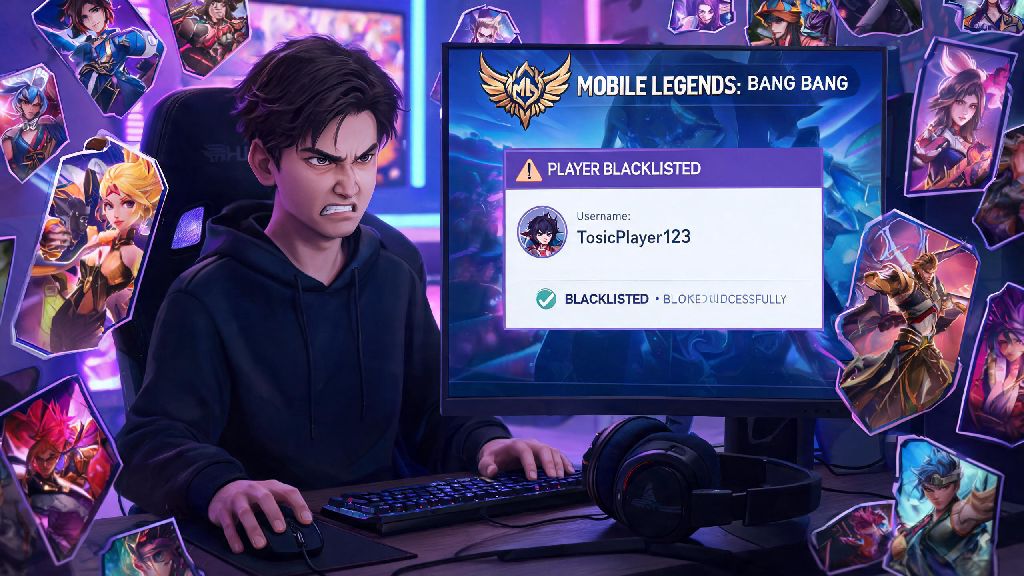
I’ve lost count of how many ranked matches I’ve had thrown by players who decide to feed because their preferred hero got banned, or spam slurs in team chat when someone makes a small mistake. It’s frustrating to spend 20 minutes grinding a match just to have one bad actor ruin the whole thing, especially if you run into that same player again a few queues later. If that sounds familiar, knowing how to blacklist on Mobile Legends is one of the most useful quality-of-life features you can use to improve your overall gameplay experience.
How to Blacklist on Mobile Legends: Full Step-by-Step Walkthrough
The blacklist feature is easy to access, and you can add players to your list in two common scenarios: right after a match ends, or when you encounter a user via chat, friend requests, or profile searches. Both methods only take a few taps to complete.
If you just finished a match with a player you want to block, head to the post-match stats screen that loads after the victory or defeat screen. Scroll through the list of all players (both your team and the enemy team) to find the user you want to blacklist. Tap their profile icon to pull up their quick menu, then select the “more” option to expand the full list of actions. From there, you’ll see a “blacklist” button, which will pull up a confirmation prompt. You can add a short optional note explaining why you’re blacklisting them to help Moonton’s moderation team flag repeat offenders, then tap the confirm blacklist prompt to finish the process.
If you want to blacklist a user you didn’t just play with, for example someone sending you harassing DMs or spam friend requests, the process is just as simple. Navigate to their full profile page, then tap the three-dot menu icon in the top right corner of the screen. You’ll see the same blacklist option pop up, and the rest of the steps are identical to the post-match process. The user will not get a notification that you’ve added them to your list, so you don’t have to worry about extra harassment after you block them.
What Happens After You Blacklist a Mobile Legends Player?
A lot of new players assume the blacklist feature blocks all contact and matching entirely, but it has specific limits that are important to understand so you know what to expect after you add someone to your list. These limits are mostly in place to keep queue times reasonable for all players, especially in higher ranks where the pool of active players is smaller.
You can access your full blacklist at any time by heading to your account settings, selecting the “friends” tab, then tapping the “blacklist” submenu. From there you can scroll through all users you’ve blocked, and remove any entries you no longer need with a single tap. Most players rarely hit the 200 user blacklist limit, but it’s good to check in every few months to clear out old entries you don’t need anymore.
Common Mistakes to Avoid When Using the Blacklist Feature
While the blacklist feature is incredibly useful, there are a few common mistakes players make that reduce its effectiveness long term. The first and most common mistake is blacklisting players just because they had one bad game. We all have off matches: sometimes your internet cuts out mid game, sometimes you’re trying a new hero for the first time, sometimes you just get countered super hard in the first five minutes. Only blacklist players who intentionally violate game rules, like intentional feeding, toxic chat, or intentionally throwing the game, rather than players who are just new or having a bad day.
Another common mistake is using the blacklist feature instead of reporting bad actors. Blacklisting only keeps that player away from you, but reporting them to Moonton can lead to temporary or permanent bans that keep them from ruining games for thousands of other players. If you’re not sure what behavior qualifies for a formal report, you can reference the Mobile Legends official code of conduct to confirm you’re reporting valid violations. Report alongside blacklisting whenever you encounter a player who is clearly breaking the rules, to help keep the whole community safer.
Finally, don’t forget to clear out old blacklist entries every few months. If you blacklisted a player two years ago for being toxic, there’s a good chance they either quit the game or improved their behavior by now. Regularly clear old blacklist entries to make sure you don’t hit the 200 user limit right when you need to block a new toxic player. You don’t need to keep every entry forever, especially for players you’re extremely unlikely to match with again as you rank up or change servers.
Extra Tips to Reduce Toxic Encounters in Matches
The blacklist feature is a great tool, but it works best when paired with other small settings changes that reduce the chance of running into toxic behavior in the first place. One of the easiest changes you can make is turning off public and all-chat in your settings, so you only see messages from people on your friends list or pre-made squad. Most toxic comments come from random teammates or enemy players taunting, and turning off these chat options eliminates that source of stress entirely without affecting your ability to communicate with your team via quick chat.
If you find yourself running into toxic players constantly, try playing with a pre-made squad of friends or people you meet in positive community groups. You’ll know exactly who you’re playing with, and you don’t have to worry about random players throwing matches or harassing you mid game. Most Mobile Legends community groups have dedicated LFG (looking for group) channels where you can find players at your rank who are focused on having fun and winning, rather than starting arguments.
You can also adjust your profile privacy settings to hide your match history, rank, and other personal details if you’re getting harassed by players who target people based on their rank or main hero. Most toxic players target people who have public profiles, so hiding those details will make you far less likely to get unsolicited harassment outside of matches. If you’re a content creator or want to keep your profile public for other reasons, you can turn off direct messages from non-friends to cut down on spam.
At the end of the day, Mobile Legends is supposed to be a fun way to pass the time, not a source of daily stress. Taking a minute to learn how to blacklist on Mobile Legends is one small change that can make a huge difference in how much you enjoy every match. Don’t hesitate to use the feature when you encounter players who are intentionally ruining the game for everyone, and remember to pair it with reports and small settings tweaks to make your whole gameplay experience far more pleasant.