If you’ve spent even a few weeks playing Mobile Legends: Bang Bang, you’ve almost certainly run into players that make you want to log off immediately. From slurs in team chat to intentional feeding that throws a 20-minute ranked grind down the drain, bad actors are an unfortunate part of most online multiplayer games. The good news is you don’t have to put up with them. Knowing how to block people in mobile legends takes less than a minute, and it can make your entire gaming experience far less stressful.
How to Block People in Mobile Legends: Step-by-Step for Every Scenario
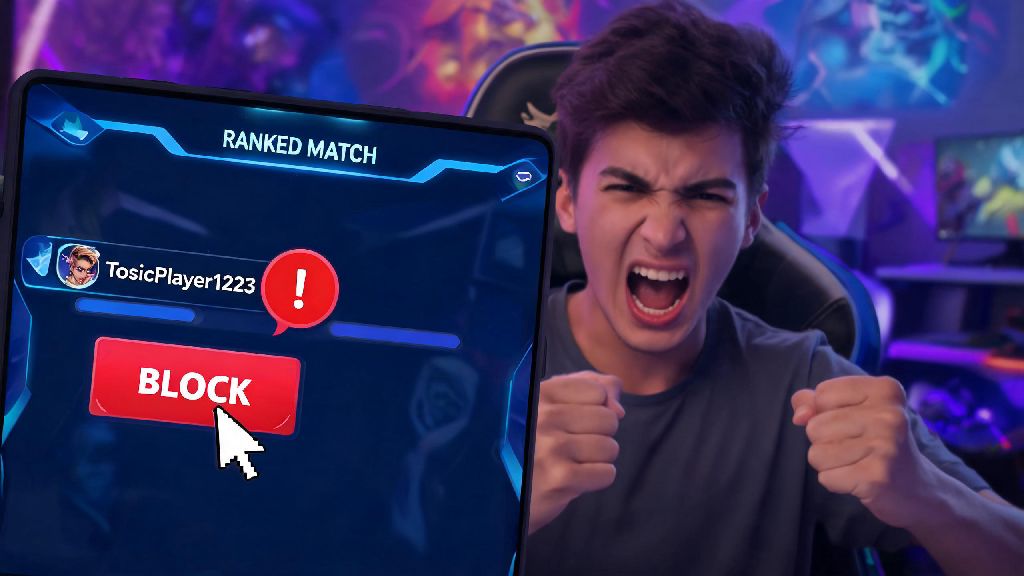
The most common time you’ll want to block someone is immediately after a rough ranked or classic match, when you’re still on the end-game score screen. You don’t have to go searching for their profile to cut off contact entirely. Tap the small exclamation mark icon next to their username on the score screen, then select the “Block” option from the pop-up menu. You can also report them for rule-breaking at the same time if they violated MLBB’s community guidelines. The process takes two taps at most, so you don’t have to linger on a frustrating match longer than necessary.
If you’re getting unsolicited friend requests, spam links, or harassing DMs from someone you haven’t played with recently, you can block them directly from your chat inbox. Navigate to your messages tab, find the chat thread with the user, tap their profile picture in the top of the chat window, then select “Block” from the profile menu. You won’t receive any further messages or invites from them once you confirm the block, so you don’t have to worry about them reaching out again. You don’t need any special permissions or to reach a certain account level to use this feature, so every player can learn how to block people in mobile legends no matter how long they’ve been playing.
Sometimes people you added for a few good matches turn toxic later, or you just don’t want to play with them anymore. To block someone on your friends list, go to your friends tab, search for their username, tap their profile, then select the block option. You can also remove them from your friends list at the same time if you haven’t already. All these protections are automatic once you learn how to block people in mobile legends, so you don’t have to do any extra setup after tapping the block button.
What Happens After You Block a Player in MLBB?
A lot of players worry that blocking someone will lead to retaliation, or that they’ll accidentally end up on a team with them again later. The block feature is designed to eliminate those risks entirely, and there are very few downsides to using it when you need to. Here’s exactly what changes when you block another user:
The only exception to these rules is if you’re both in the same custom room created by a mutual friend. In that case, you may still see their messages in room chat, but they can’t send you direct messages or invites once blocked. If that happens, you can leave the room or ask the host to remove them if it’s a big issue. If you’re unsure, it’s always safer to go ahead with blocking, since the process is reversible and there’s no penalty for learning how to block people in mobile legends and using the feature regularly.
When Should You Block Someone, and When Should You Just Mute?
Blocking is a permanent solution, so some players wonder if it’s better to just mute someone instead of cutting off contact entirely. The two features serve very different purposes, and it’s important to pick the right one for your situation. Muting is perfect for one-off cases where someone is being annoying but not actively harmful: a teammate spamming pings because you picked their main hero, for example, or someone typing backseat gameplay tips nonstop during a match. You can mute chat and pings for individual players directly from the in-game score screen in the middle of a match, and the mute will expire once the game ends.
Blocking is the better choice when the behavior is repeated or violates community rules. If someone sends you harassing messages, intentionally feeds in multiple matches with you, or spams you with scam links, block them immediately—there’s no benefit to giving those users a second chance. A lot of new players feel guilty about blocking others, but you don’t owe anyone access to your gaming experience. MLBB’s developers added the block feature specifically so users can curate their own experience, so you shouldn’t hesitate to use it when you need to. I’ve blocked well over 100 players in my 4 years of playing MLBB, and I’ve never regretted a single block.
Common Blocking Issues and How to Fix Them
Most players don’t run into any problems when they learn how to block people in mobile legends, but it’s good to know how to fix small issues if they pop up. The most frequent complaint is that players still end up on the same team as someone they blocked. This almost always happens because you blocked the player on a different account, or you typed their username wrong when searching for their profile to block them. Double check that you’re logged into the correct account, and that you blocked the right profile—many players use similar usernames with small character changes, so it’s easy to mix them up.
Another common issue is that blocked players can still view your live streams if you stream directly through MLBB. The block feature doesn’t extend to in-game streaming right now, so if you’re a streamer dealing with a harassing viewer, you’ll need to block them separately from your stream chat as well. You can report repeated harassment to MLBB’s support team if blocking doesn’t stop the issue, and they can issue temporary or permanent bans to users that violate the terms of service. You’ll need to provide screenshots of the harassment as proof, so it’s a good idea to save screenshots of bad interactions before you block the user.
Finally, keep in mind that you can unblock someone at any time if you change your mind later. Just go to your account settings, navigate to the privacy tab, and you’ll see a full list of all users you’ve blocked. Tap the unblock button next to their name to reverse the action immediately. You don’t need to send a request or wait for approval to unblock someone, so it’s completely reversible if you made a mistake or had a misunderstanding with a friend.
At the end of the day, Mobile Legends is supposed to be a fun way to unwind with friends, and you don’t have to let toxic players ruin that for you. Whether you’re dealing with a one-time toxic teammate or a repeat harasser, taking two minutes to learn how to block people in mobile legends will save you hours of frustration down the line. Don’t feel bad about curating your friend list and match pool to only include people who make the game more fun for you—you deserve to enjoy every match you play.