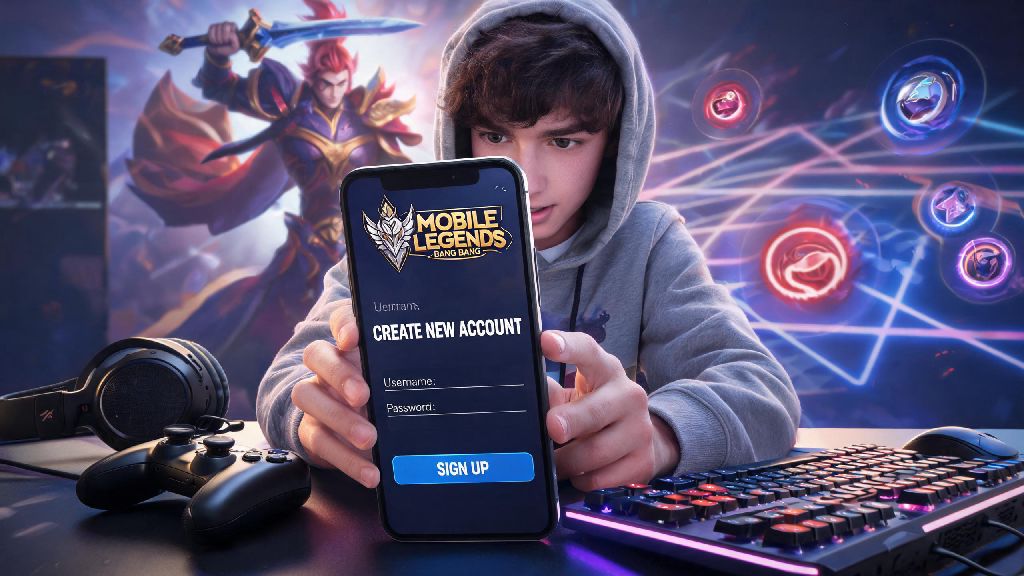
If you’ve ever watched your friends climb ranks in Mobile Legends, pull off sick savage plays, or unlock limited edition skins, you’ve probably thought about jumping into the game yourself. The first step to joining the 1 billion+ global player base is to figure out how to create a new account on Mobile Legends, and doing it right from the start saves you hours of headache later. I’ve set up more than 7 test accounts over the past 4 years to test new hero builds and smurf rank climbs, so I know exactly what pitfalls to avoid, and what setup choices will give you the best head start.
What to Prepare Before You Create a New Account on Mobile Legends
Many new players rush to create a new account on Mobile Legends without checking these prerequisites first, and end up stuck halfway through setup. You don’t need fancy gear to get started, but a few key items will make the process smooth and prevent future issues with your account. Take 2 minutes to gather these before you download the app.
First, make sure you have a valid email or phone number that you have regular access to. Temporary or throwaway contact info will leave you with no way to recover your account if you forget your password or get locked out. Second, come up with a unique account name that fits Moonton’s community guidelines – offensive, misleading, or trademarked names will get flagged by moderators, and you’ll be forced to change it later. Third, confirm you have a stable internet connection and at least 3GB of free storage on your device. The game requires a large initial resource download, and spotty internet can corrupt your account data mid-setup.
If you plan to link your account to a social media profile like Google, Facebook, or TikTok, double check that those profiles aren’t already linked to another existing Mobile Legends account. You can only link one Mobile Legends profile per social media account, so you’ll have to unlink it from the old profile first if you want to reuse it.
Step-by-Step Walkthrough for Account Creation
The sign up process is almost identical for Android and iOS devices, and takes less than 5 minutes if you have all your info ready. The only difference is that iOS users will be asked to confirm their Apple ID during the initial download step, while Android users can skip that if they’re signing up with email or phone directly. Follow these steps exactly to avoid errors:
Use a unique password that you don’t use for other gaming accounts to reduce the risk of hacking. Many players reuse the same password across 10+ different sites, and if one of those sites has a data breach, your Mobile Legends account becomes an easy target for scammers. If you’re under 13, you’ll be asked to enter a parent or guardian’s contact info for the game’s age protection system. Don’t lie about your age to skip this step, because Moonton can permanently ban your account later if they find out you provided false information.
Critical Post-Setup Steps to Secure Your New Account
Once you create a new account on Mobile Legends, the first thing you should do is head to the account security tab in the settings menu. A lot of new players skip this step to jump straight into matches, but 3 minutes of setup here will save you from losing months of progress later. I learned this the hard way, so don’t make the same mistake I did.
Turn on two-factor authentication (2FA) in the account settings menu as soon as you finish the tutorial. This adds an extra layer of protection that stops 99% of unauthorized login attempts. I skipped the 2FA step on my first ever account back in 2018, and lost it to a phishing scam a few months later. I had to start all over, so I never skip that step now, even on throwaway test accounts.
Next, link at least two different contact methods to your account. For example, if you signed up with your phone number, link your Google account as well. That way, if you lose access to your phone number, you can still log in with your Google account to recover your profile. You should also adjust your initial game settings to fit your playstyle before you jump into your first real match. Turn on low ping mode if you have spotty internet, adjust the control layout to fit your hand size, and turn off auto-pick heroes for ranked matches once you unlock that game mode.
Don’t forget to claim your new player rewards in the event tab either. New accounts get free heroes, skins, battle points, and diamonds for the first 7 days of play, and you can use those rewards to unlock your favorite characters faster without spending real money.
Common Mistakes to Avoid When Setting Up Your Account
One of the most frequent issues new players face when they create a new account on Mobile Legends is losing access within the first month because they skipped small, important steps. Most of these issues are completely avoidable if you know what to look out for.
First, don’t use a duplicate or overly generic nickname. If the name you want is already taken, don’t just add random numbers at the end if you don’t want to – come up with a unique variation that you’ll actually like using for months. Moderators will also force you to change your name for free if it’s offensive, includes hate speech, or impersonates a public figure, so stick to the community guidelines to avoid that hassle.
Never use a modded or hacked version of Mobile Legends to create an account, even if you think it gives you free skins or unlimited diamonds. Moonton’s anti-cheat system detects these modified apps within 72 hours 90% of the time, and issues a permanent ban that you can’t appeal. You’ll lose all your progress immediately, and won’t be able to make a new account on the same device in some cases.
Don’t link your account to someone else’s social media or email, even if it’s a close friend or family member. I’ve had dozens of players reach out to me saying they lost their account because they used their ex’s Facebook to sign up, or let a friend use their email for their account. Always use your own personal contact info that only you have access to, to avoid losing your progress if your relationship with that person changes.
Finally, don’t skip the initial tutorial if you’re a brand new player. You can skip it if you’re making a smurf account and already know how to play, but the tutorial teaches you core mechanics last hitting, ability usage, and map objectives that you’ll need to know to win matches later.
Getting started in Mobile Legends doesn’t have to be confusing, and taking a few extra minutes to do it right when you create a new account on Mobile Legends will save you weeks of frustration down the line. Whether you’re playing for fun with friends or aiming to climb to Mythic rank in your first season, a secure, properly set up account is the foundation of every great Mobile Legends journey. If you run into issues during setup, you can reach out to Moonton’s in-game support team for help, they usually respond within 24 hours for account-related queries. Now go jump in, test out some free heroes, and have fun!