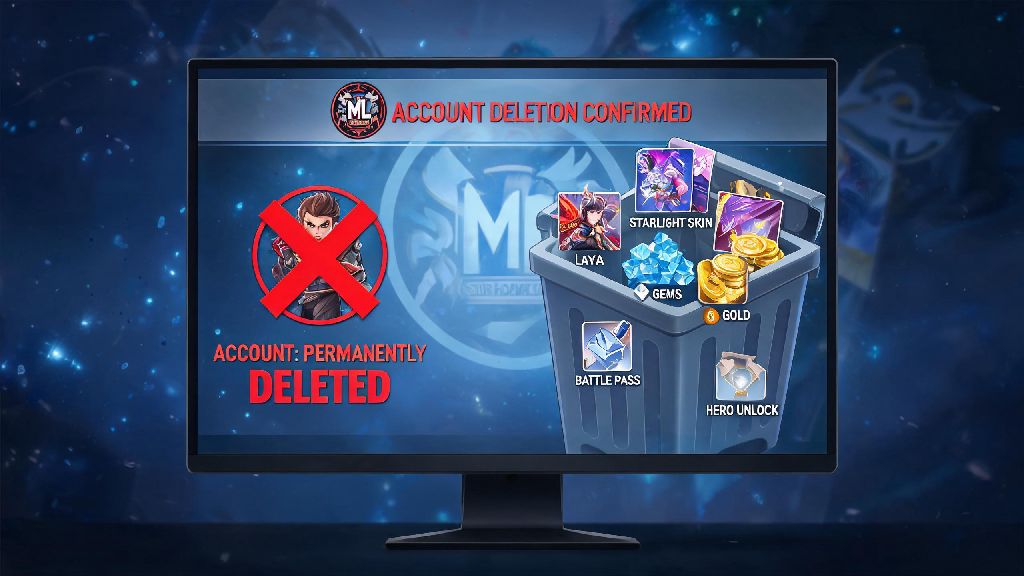
If you’ve found yourself spending way too many hours grinding ranked matches, dealing with toxic teammates, or just wanting to take a permanent break from the game, you’ve probably looked up how to delete account Mobile Legends at least once. I’ve been there too – after sinking three years into collecting epic skins and climbing to Mythic rank, I realized the game was taking up too much of my free time that I could be spending on hobbies or hanging out with friends. A lot of players assume deleting the app is enough, but your account and all your personal data stays stored on Moonton’s servers until you go through the official deletion process. Deleting your account isn’t as straightforward as just tapping uninstall, and there are a few key things you need to know before you hit that confirm button to avoid losing access to data you might want later, or getting locked out accidentally if you change your mind.
What to Do Before You Delete Your Mobile Legends Account
Moonton has a strict no-recovery policy for deleted accounts, so taking a few minutes to prep before you submit your request will save you a lot of regret later. You don’t want to be the person who loses $500 worth of limited edition skins because you deleted the wrong account by mistake. These steps only take 10 minutes tops, and they’re well worth the effort. I skipped one of these steps when I first tried to delete my old account, and I had to wait an extra two weeks to fix the mess I made, so don’t make the same mistake I did.
If you’re even a little bit unsure if you might want to come back later, you can always just uninstall the app for a few months instead of going through permanent deletion. The cool-down period after you submit a deletion request only lasts 7 days, but once that period is over, there’s no going back. Make sure you are 100% committed to leaving the game before you start the deletion process to avoid unnecessary disappointment.
Step-by-Step How to Delete Mobile Legends Account on Android and iOS
The core deletion process is almost identical for Android and iOS users, with just a few extra steps for people who linked their accounts to Apple ID or Game Center. First, make sure you have a stable internet connection, because you’ll need to verify your identity during the process, and a dropped connection can force you to start over. You’ll also need access to the email or phone number linked to your account to get the verification code.
First, open Mobile Legends and tap on your profile icon in the top left corner of the main screen. Navigate to the Account tab, then select the Account Center option at the bottom of the menu. You’ll see a Delete Account button near the bottom of the Account Center page, right below the account linking options. Tap that button, and you’ll be taken to a page that lists all the consequences of deleting your account, to make sure you understand what you’re doing.
After you confirm you’ve read the warnings, you’ll be asked to enter a verification code sent to your linked email address or phone number. Enter the code correctly, and you’ll submit your deletion request. Moonton adds a mandatory 7-day cool-down period to all deletion requests, designed to stop people from deleting their accounts on impulse after a bad ranked match. If you log back into your account at any point during those 7 days, the deletion request will be automatically canceled, and you’ll have to submit a new one if you still want to delete later.
For iOS users who linked their account to Apple ID, you’ll also need to unlink the game from your Apple account separately. Go to your iPhone Settings, tap on your Apple ID profile at the top, select Password & Security, then tap Apps Using Apple ID. Find Mobile Legends on the list, select it, and tap Stop Using Apple ID to fully remove the link between your Apple account and your MLBB profile. If you skip this step, your account might still show up as linked in your Apple settings even after it’s deleted from Moonton’s servers.
Common Issues You Might Face When Deleting Your MLBB Account
Even if you follow all the steps correctly, you might run into a few roadblocks that slow down the deletion process. These issues are really common, and most of them are easy to fix if you know what to do. I’ve helped a few of my friends delete their accounts over the years, so I’ve seen all of these problems pop up at least once.
Verification code not arriving is the most common issue by far. This usually happens if your linked email is old and you don’t use it anymore, or if you have a new phone number that you never updated on your MLBB account. If you don’t get the code within 10 minutes, check your spam folder first, and make sure you didn’t enter the wrong email address. If you still can’t get the code, you can submit a ticket to Moonton customer support through the in-game help center, providing proof of account ownership like purchase receipts for diamonds, your account ID, and your original signup date. They usually respond within 3 business days.
Another common issue is deletion requests getting rejected automatically. This happens if you have an ongoing ban or active report on your account, or if you have a pending in-game purchase that hasn’t been fully processed. You’ll have to wait until the ban is lifted or the purchase is finalized before you can submit your deletion request again. If you have a permanent ban on your account, you might need to work with support to resolve that first before you can delete your profile.
It’s also really easy to accidentally cancel your deletion request by opening the app out of habit during the 7-day cool down period. I recommend deleting the app from your phone immediately after submitting your deletion request to avoid that mistake. I almost did this myself on day 5 after submitting my request, when I reached for my phone to play a quick match while waiting for my food to arrive. If I hadn’t already deleted the app, I would have had to start the whole process over.
What Happens After Your Mobile Legends Account Is Permanently Deleted?
Once the 7-day cool down period is over, your account will be permanently removed from Moonton’s servers, and there’s no way to reverse this process, even if you contact support begging for your account back. All your progress, skins, rank history, friend list, and in-game currency will be erased completely, with no option to transfer any of it to a new account later.
Your personal data will be deleted from Moonton’s servers within 30 days of the account being permanently removed, according to their official privacy policy. That includes your email address, phone number, chat logs, and any other personal information you provided when you signed up for the game. If you submitted a data request to Moonton before deleting your account, make sure you download all your data before the cool down period ends, because you won’t be able to access it after that.
Any active subscriptions you had for weekly diamond passes or monthly memberships will be automatically canceled once your account is deleted, but you should still double-check your Google Play or App Store subscription list to make sure you aren’t being charged for anything after deletion. Sometimes subscriptions don’t cancel automatically, especially if you subscribed through a third party service.
If you decide to come back to Mobile Legends later, you’ll have to start a brand new account from scratch, no exceptions. Your old account ID will be released back into the pool of available IDs after a few months, so another player might end up with the same ID as your old account, so don’t try to look it up expecting to find your old profile. I’ve heard of players who tried to contact support to get their old accounts back six months after deletion, and they all got the same response: no recovery is possible.
At the end of the day, deciding how to delete account Mobile Legends is a big choice, especially if you’ve invested a lot of time and money into the game. Take the time to go through all the pre-deletion checks, follow the step-by-step instructions carefully, and make sure you’re fully committed before you submit your request. If you’re just feeling burnt out, taking a 1 or 2 month break without deleting your account is always a safer option if you think you might want to come back later. But if you’re ready to move on for good, following the steps we laid out will help you get the process done smoothly without any unnecessary headaches.